 Skip to content
 If you have been shopping for a reliable, high-quality FDM printer, chances are the Prusa MK4S has already crossed your radar. It carries the reputation of the Prusa name, but it also brings a genuinely new generation of hardware and firmware to the table. In this guide, we will walk through everything the Original Prusa MK4S 3D printer offers, from its core specifications to how it stacks up against its siblings in the Prusa lineup, so you can decide whether it is the right machine for your workshop, classroom, or hobby bench.
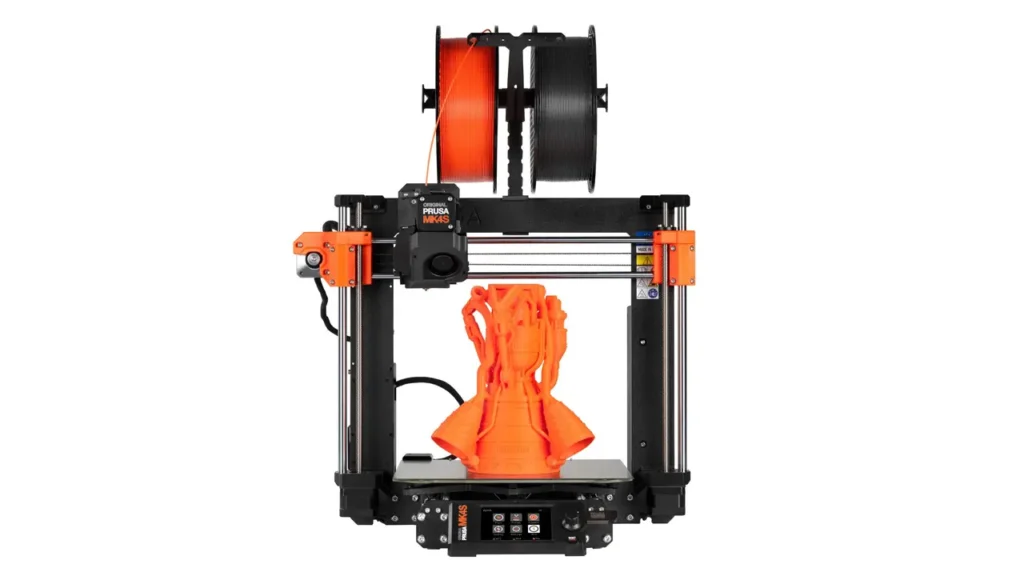
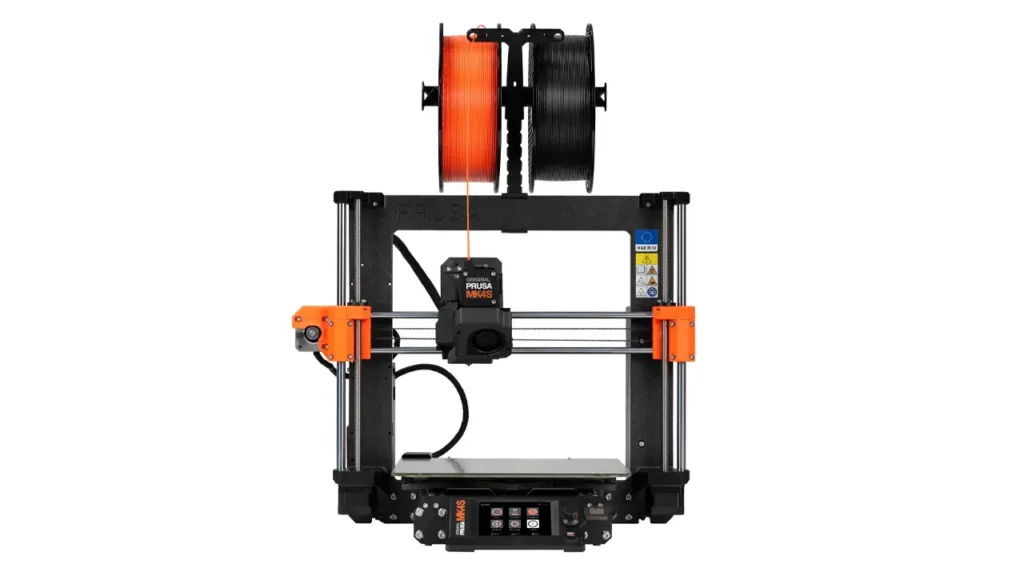
Introduction to the Prusa MK4S 3D Printer
The Original Prusa MK4S is the 2025 refresh of Prusa Research’s flagship desktop 3D printer, building directly on the well-regarded MK4. According to Prusa Research, the MK4S delivers reliable results across projects, offering higher accuracy and print speed than its predecessor. The improvements come from three main sources: a redesigned 360-degree cooling system, a new high-flow nozzle fitted as standard, and a series of firmware optimizations that work together to push both speed and print quality further than before.
What makes the MK4S particularly appealing is that it is designed to serve two very different audiences at once. Complete beginners can take it out of the box, plug it in, run a quick calibration, and be printing within about 15 minutes. At the same time, its consistency and uptime make it a trusted workhorse in professional workshops, schools, and even industrial prototyping environments. Prusa Research notes that the printer received a perfect Print Quality score in TechRadar’s independent review, and it holds the distinction of being the first consumer 3D printer to receive UL GREENGUARD Certification, which speaks to indoor air quality and emissions safety standards.
Whether you are printing functional parts, cosplay props, architectural models, or replacement parts around the house, the MK4S is built to be a dependable daily driver rather than a fussy hobbyist toy.
Key Specifications of the Prusa MK4S
Before diving into individual features, it helps to see the printer’s core technical profile in one place. Below is a summary of the official specifications as published by Prusa Research.
| Specification | Detail |
|---|---|
| Build Volume | 250 x 210 x 220 mm (9.84 x 8.3 x 8.6 in) |
| Filament Diameter | 1.75 mm |
| Layer Height | 0.05–0.30 mm |
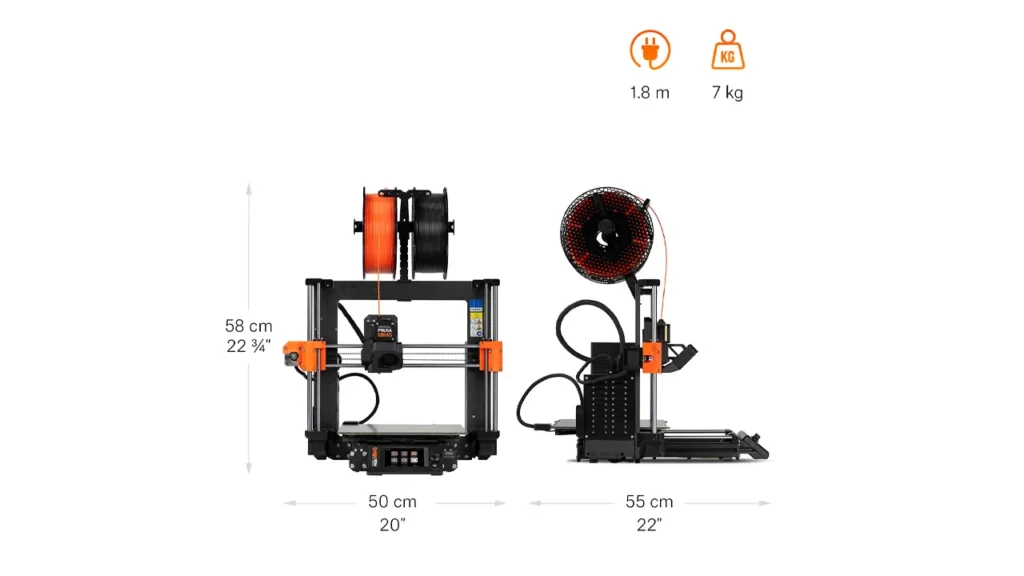
| Printer Weight/Size | 7 kg, 500x550x400 mm (without spool) |
| Mainboard | Custom 32-bit xBuddy electronics with STM32 |
| Stepper Drivers | Trinamic 2130 |
| Max Nozzle Temperature | 290°C / 554°F |
| Max Heatbed Temperature | 120°C / 248°F |
| LCD Screen | 3.5″ graphic, 65k color, touch control |
| Connectivity | Ethernet, NFC receiver, removable ESP Wi-Fi module |
| Power Supply | 240W, custom-made by Delta, with Power Panic hardware |
Beyond raw numbers, what stands out about this spec sheet is how each element ties back to reliability. The custom 32-bit xBuddy electronics, the precision 0.9-degree stepper motors that reduce visible layer artifacts, and the Power Panic system that protects a print if power is unexpectedly lost, all point to a machine engineered for consistency rather than flashy but fragile performance.
Build Volume and Print Area
One of the more practical questions buyers ask is simply: how big of an object can I actually print? The MK4S offers a build volume of 250 x 210 x 220 mm, which is identical to the original MK4 and consistent with the format Prusa has refined since the MK2 generation. This is a moderately sized build area, wider than it is deep, with enough height for most functional parts, enclosures, and hobbyist projects.
While this is not the largest build volume on the market, it hits a practical sweet spot for a huge range of use cases, from mechanical prototypes and replacement parts to detailed miniatures and household items. If you regularly need to print oversized objects, Prusa’s own XL model offers a considerably larger 360 x 360 x 360 mm chamber, but for the vast majority of users the MK4S footprint strikes a comfortable balance between usable space and desktop footprint.
The print surface itself uses a magnetic heatbed with removable PEI spring steel sheets, and bed leveling is fully automatic thanks to mesh bed leveling combined with the printer’s Loadcell sensor, so first-layer calibration does not require any manual fiddling with paper or feeler gauges.
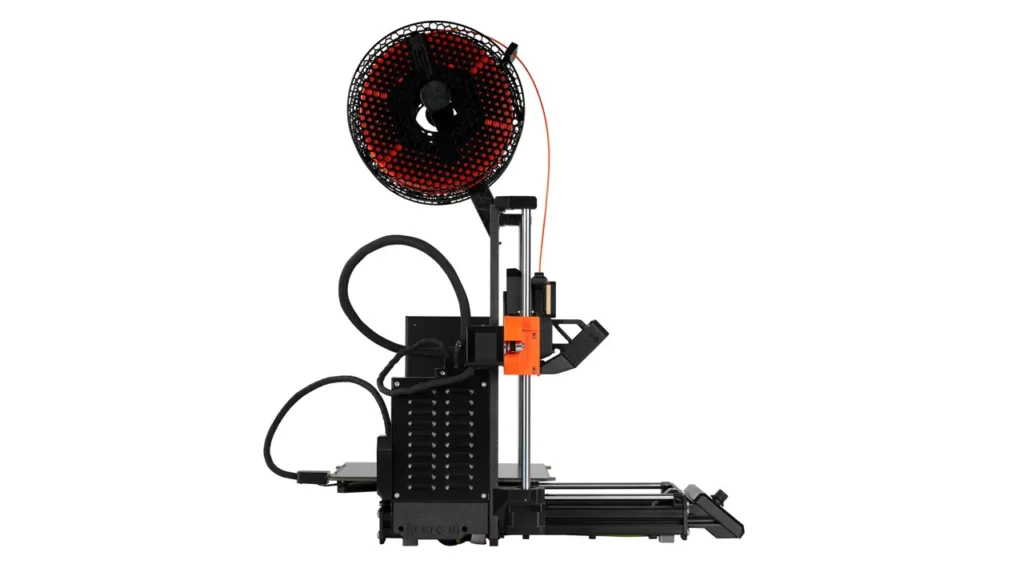
The Nextruder and High-Flow Nozzle Technology
At the heart of the MK4S sits the Nextruder, Prusa’s next-generation direct drive extruder. It uses a planetary gear system with a 10:1 gearbox ratio, giving it strong, precise control over filament movement, and it is compatible with E3D V6 hotends via an adapter for users who want to experiment further.
What really sets the MK4S apart from the standard MK4 is the high-flow Prusa Nozzle, a brass CHT nozzle with a 0.4 mm opening that comes fitted as standard equipment. Combined with the new 360-degree cooling system, which uses a high-performance turbine fan to deliver airflow evenly around the nozzle from all sides, this nozzle allows for significantly higher volumetric flow rates without sacrificing print quality.
The real-world benefit is twofold. First, print times drop noticeably, since the printer can push more filament through the nozzle per second. Second, overhang performance improves dramatically, with Prusa Research stating the MK4S can print overhangs of up to 75 degrees without any support structures at all. That is a meaningful advantage if you print a lot of organic or mechanical shapes, since it cuts down on both material waste and post-processing cleanup.
The hotend itself is fully metal with an aluminum heatsink, capable of reaching up to 290°C, which opens the door to a wide range of engineering-grade filaments beyond basic PLA.
Assembled vs DIY Kit: Choosing Your MK4S
Prusa offers the MK4S in two purchasing formats, and the right choice depends largely on your comfort level with hardware and how much you want to learn about the machine’s inner workings.
The assembled version arrives fully built and calibrated, ready to start printing shortly after unboxing. This is the natural choice for buyers who want to get straight to printing without investing time in mechanical assembly, or for classrooms and businesses that need machines up and running quickly.
The DIY kit version includes every component needed to build the printer yourself, a process that Prusa Research notes can take a couple of hours or more, particularly for first-time builders. While it requires patience, the company provides very detailed, well-illustrated assembly instructions with pre-cut and labeled cables designed to simplify the process. Many hobbyists find this an enriching experience precisely because it teaches you how every component works together, which pays off later if you ever need to troubleshoot or perform maintenance.
Both versions include a printed handbook, 1 kg of black Prusament filament, a spoolholder, a USB drive loaded with sample prints, a toolset, and various maintenance accessories. Note that the printer ships without an extra printing sheet, and it comes in Prusa’s signature black and orange color scheme.
Prusa MK4S vs MK4: What Actually Changed
If you are already familiar with the original MK4, or considering whether it is worth paying extra for the “S” version, here is a direct look at what Prusa Research added in this iteration.
| Feature | MK4S Improvement |
|---|---|
| Cooling | New high-performance 360° cooling system |
| Nozzle | High-flow nozzle included as standard |
| Mobile App | Native iOS/Android app with NFC Wi-Fi setup |
| Speed | Improved overall print speed |
| Quality | Improved print quality and layer adhesion |
| Components | New parts in Prusament PC Blend Carbon Fiber or injection molded |
| Add-ons | Optional GPIO hackerboard and accelerometer for modders |
Importantly, Prusa Research designs its printers for long-term support, meaning even MK4 owners are not left behind. Existing users have upgrade paths available rather than being forced to buy an entirely new machine, which reflects the company’s broader philosophy around upgradability and sustainability.
Filament and Material Compatibility
Versatility is one of the MK4S’s strongest selling points. Straight out of the box, it supports PLA, PETG, Flex (TPU), PVA, PC, PP, CPE, and PVB. Thanks to the direct-drive Nextruder, even flexible materials like TPU print reliably, which is historically a pain point for many other direct drive systems.
For more demanding engineering filaments such as ABS, ASA, HIPS, and PA (nylon), Prusa Research recommends pairing the printer with the Original Prusa Enclosure equipped with the filtration add-on. This is because these materials benefit from a stabilized, heated chamber environment and often release finer particles that the filtration system is designed to manage.
If you are the type of maker who likes to experiment across material types, from soft flexible prints to rigid, heat-resistant industrial parts, the MK4S gives you the flexibility to grow into more advanced materials over time rather than being boxed into a narrow filament ecosystem from day one.
Polimerukr.com
Ukraine
3D Printing Materials & Supplies
Your trusted source for high-quality 3D printing materials in Ukraine. Wide selection of filaments, resins, and accessories for all printer types with fast local shipping.
Enclosure and Optional Accessories
While the MK4S performs excellently as an open-frame printer for common materials like PLA and PETG, Prusa Research offers an optional Enclosure for users who want to push into more advanced territory. The Enclosure stabilizes the internal printing environment, reduces drafts and odors, and makes the entire setup noticeably quieter.
It becomes particularly valuable once you start working with technical materials like ASA, ABS, or PC, since the elevated ambient temperature inside an enclosed chamber helps with layer adhesion and reduces warping. Prusa also offers a range of enclosure add-ons, including an advanced filtration system with a HEPA filter, an LED strip for better visibility, a mechanical lock, and even a fire suppression system for added peace of mind in unattended print environments.
For more hands-on tinkerers, the MK4S supports two additional accessories aimed at enthusiasts: a GPIO “hackerboard,” which allows control of external electronics using G-code commands, and an accelerometer addon designed for users who have made extensive modifications to their Nextruder. Neither is necessary for standard use, but both reflect Prusa’s continued support for the maker and modding community.
Pricing and Where to Buy
Pricing is naturally one of the biggest factors in any purchasing decision. According to Prusa Research’s official comparison data, the MK4S kit is priced at 729 USD (819 EUR, VAT included), while the fully assembled version comes in at 999 USD (1099 EUR, VAT included). These figures position the MK4S as a mid-to-premium option in the desktop 3D printing space, reflecting its reputation for reliability and the extensive support ecosystem that comes with it.
For context, Prusa’s other current models sit at different price points: the CORE One kit starts at 949 USD (1049 EUR) with the assembled version at 1199 USD (1349 EUR), while the larger-format Original Prusa XL starts at 1999 USD (2099 EUR) for the kit and 2499 USD (2599 EUR) assembled. The MK4S therefore represents the more accessible entry point into Prusa’s higher-end lineup, without stepping down to the smaller MINI+ model.
The safest and most reliable way to purchase is directly through Prusa Research’s official online store, which also gives access to their owner discount program. MK4S owners automatically receive a 10 percent discount on 30 selected filaments per year, including Prusament, along with a 10 percent discount on the next five assembled MK4S units purchased.
Longer LK5 Pro
Large Format FDM Printer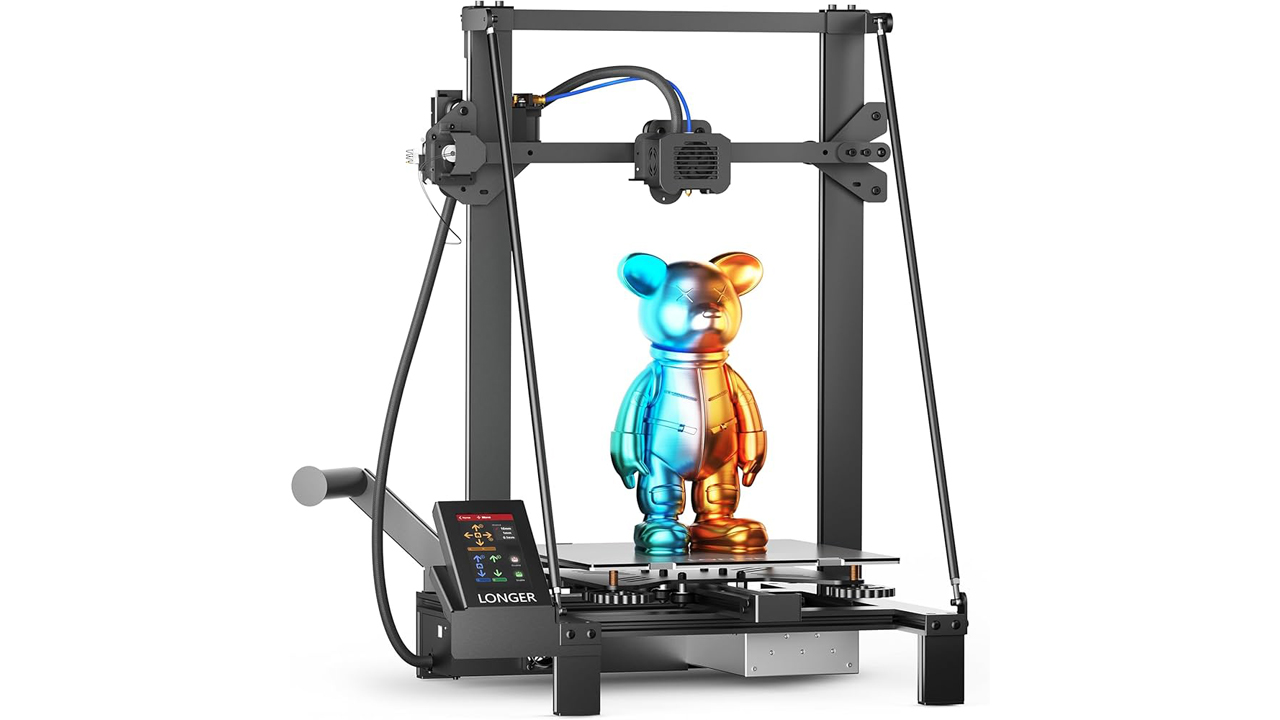
Large Build Volume FDM
Reliable large-format 3D printer from Longer. Spacious build volume, silent operation, and sturdy construction for professional prototypes and large-scale projects.
Final Verdict: Is the Prusa MK4S Worth It?
After going through the specifications, features, and pricing, the Prusa MK4S earns its reputation as one of the most dependable desktop 3D printers currently available. The combination of the 360-degree cooling system, high-flow nozzle, and refined firmware genuinely delivers on the promise of faster prints without compromising on the dimensional accuracy and surface finish Prusa printers are known for.
It is particularly well suited to buyers who want a machine that will still be reliable years down the line, thanks to Prusa’s long-term firmware and hardware support philosophy, along with a claim rate Prusa Research reports as under 1 percent across its installed base of over half a million printers worldwide. Whether you are a complete beginner who wants a machine that works reliably out of the box, or an experienced maker who wants a printer capable of handling engineering-grade filaments with the right enclosure, the MK4S adapts to your needs rather than the other way around.
If your priorities are ease of use, print consistency, and a manufacturer with a strong long-term support track record, the Original Prusa MK4S is very much worth the investment.
Discover more from bestchina3dprinters.com
Subscribe to get the latest posts sent to your email.
