Creality 3D Printer Review – Brand Overview & Technology
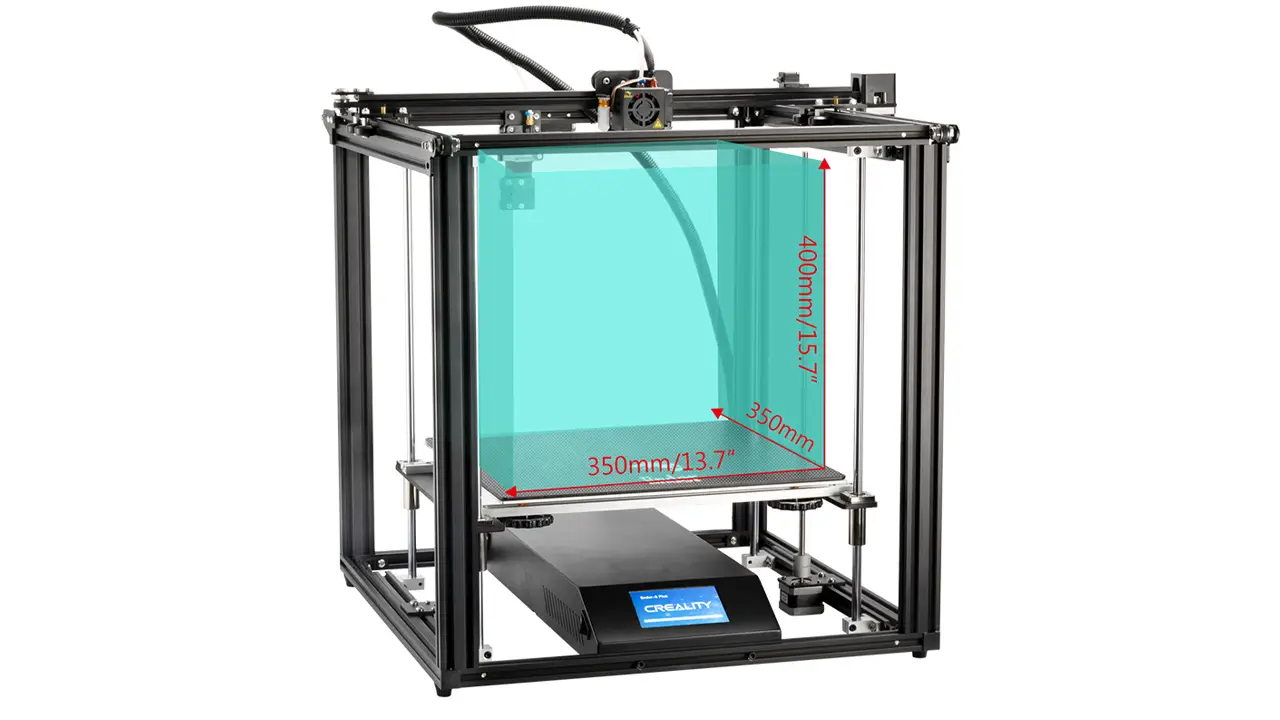
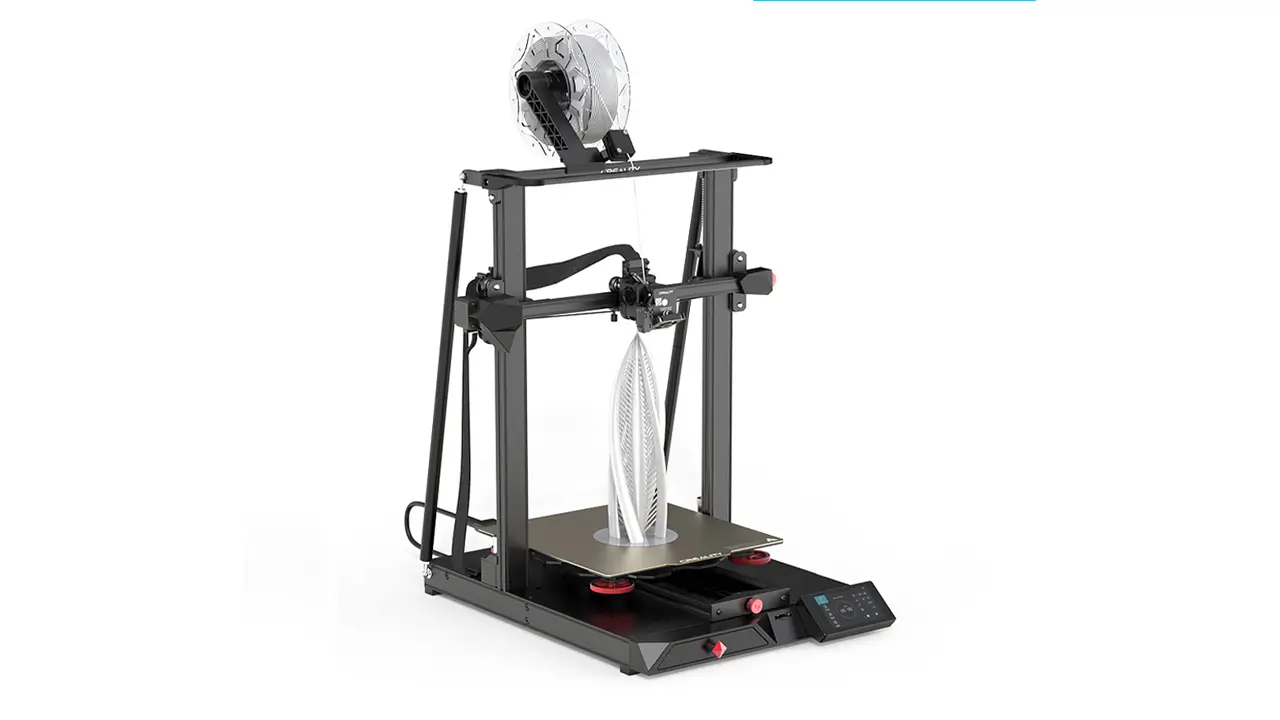
Creality Ender 5 Plus Review – Is It Still Worth It?
Creality Ender 5 Plus Review – Is It Still Worth It? If you’ve been exploring the world of FDM 3D […]
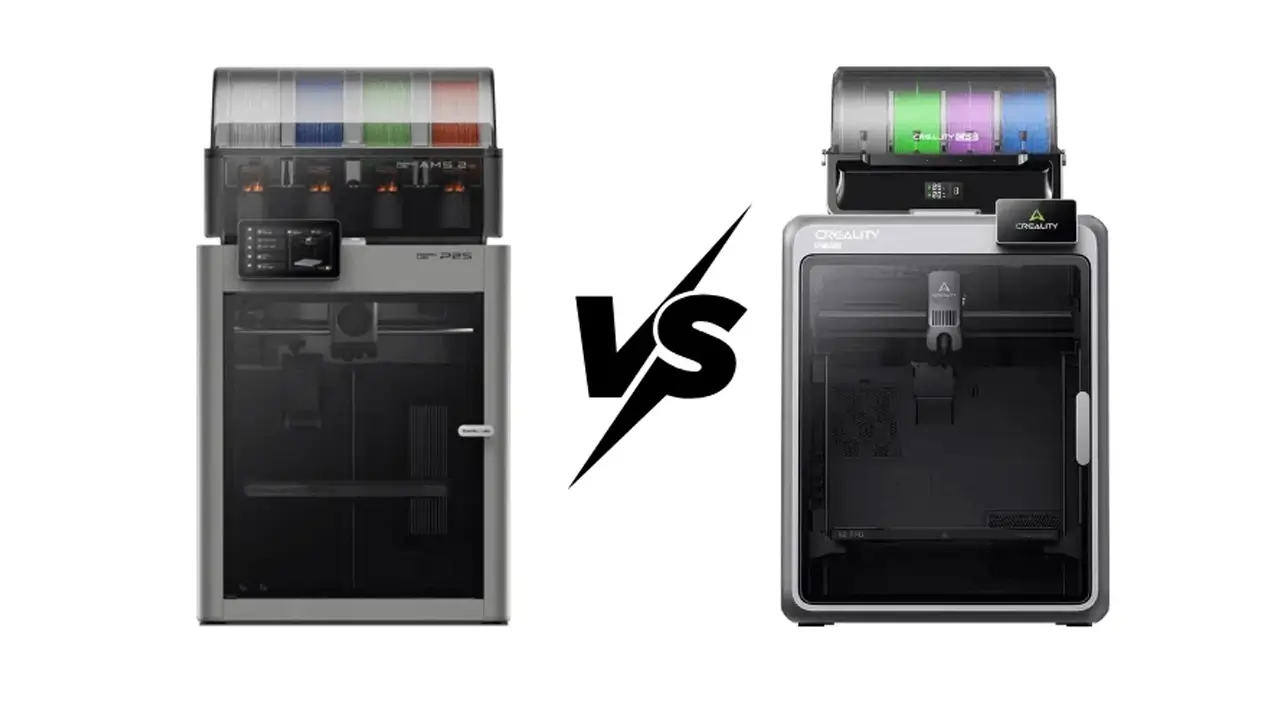
Bambu Lab vs Creality Comparison: Which 3D Printer Brand Wins in 2026?
Bambu Lab vs Creality Comparison: Which 3D Printer Brand Wins in 2026? When diving into the world of 3D printing, […]
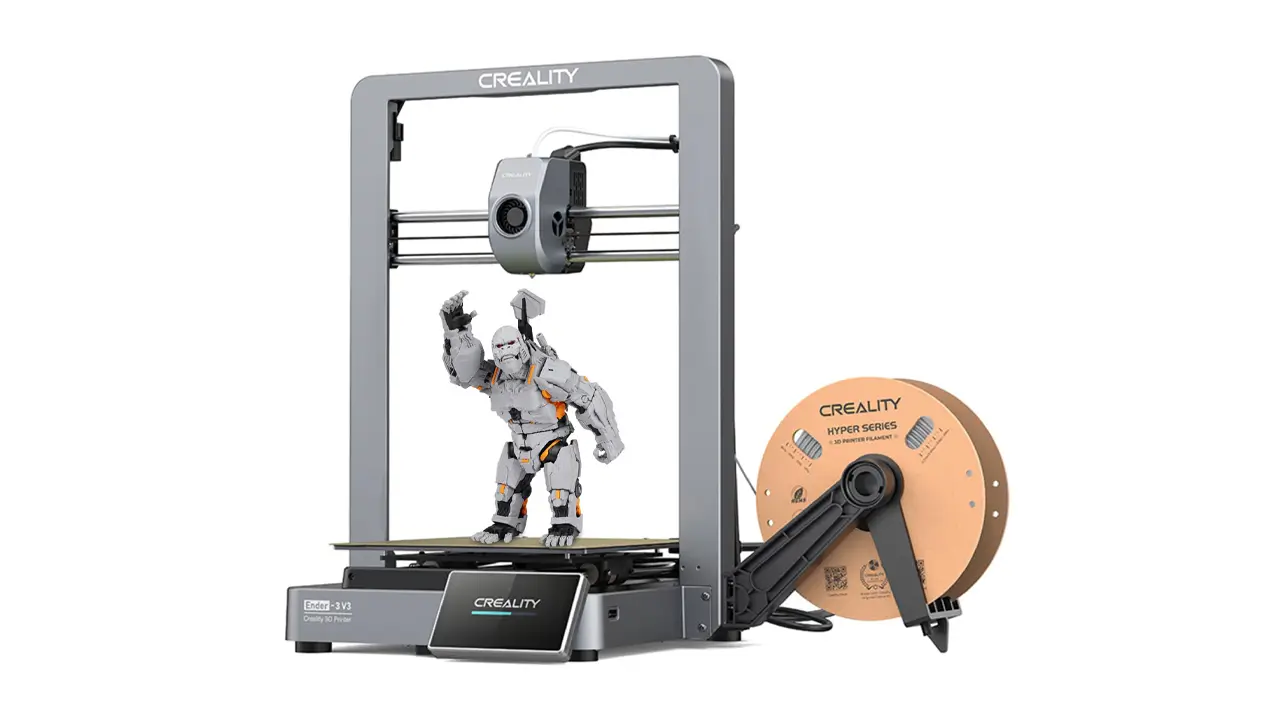
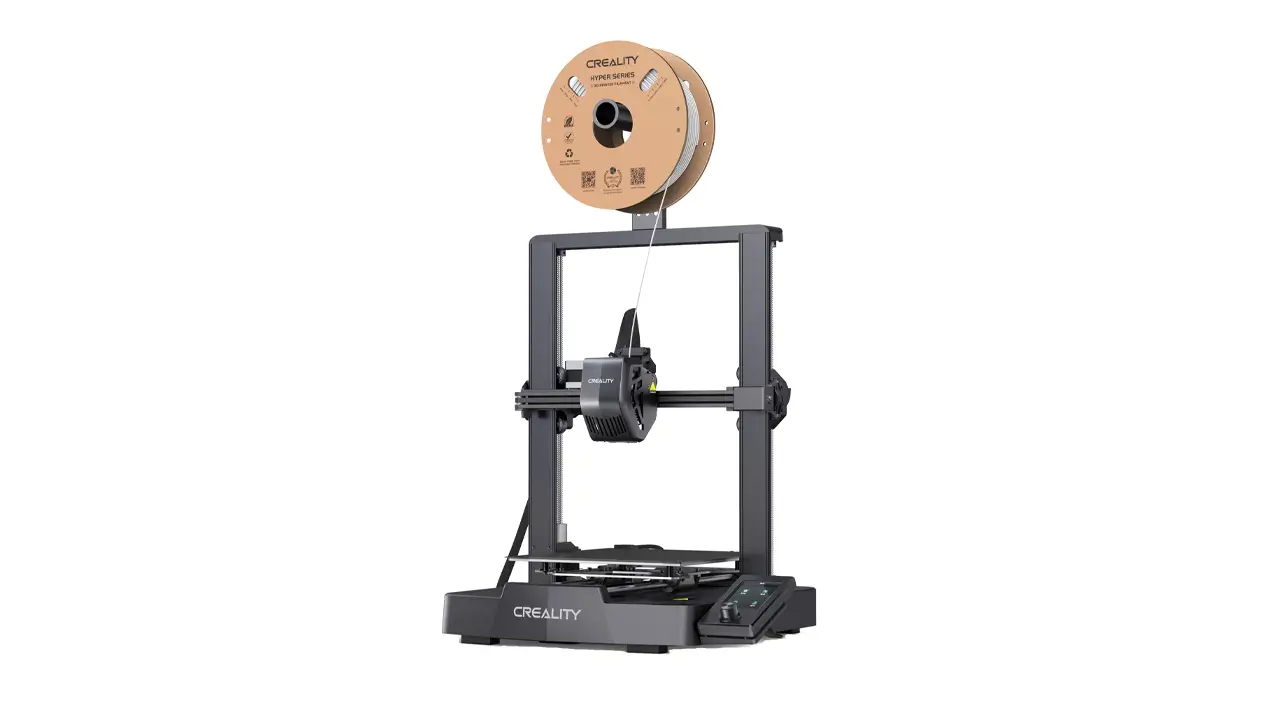
Creality Ender 3 V3 Review – Specs, Speed & Price
Creality Ender 3 V3 Review – Specs, Speed & Price Introduction to Creality Ender 3 V3 If you’ve spent even […]
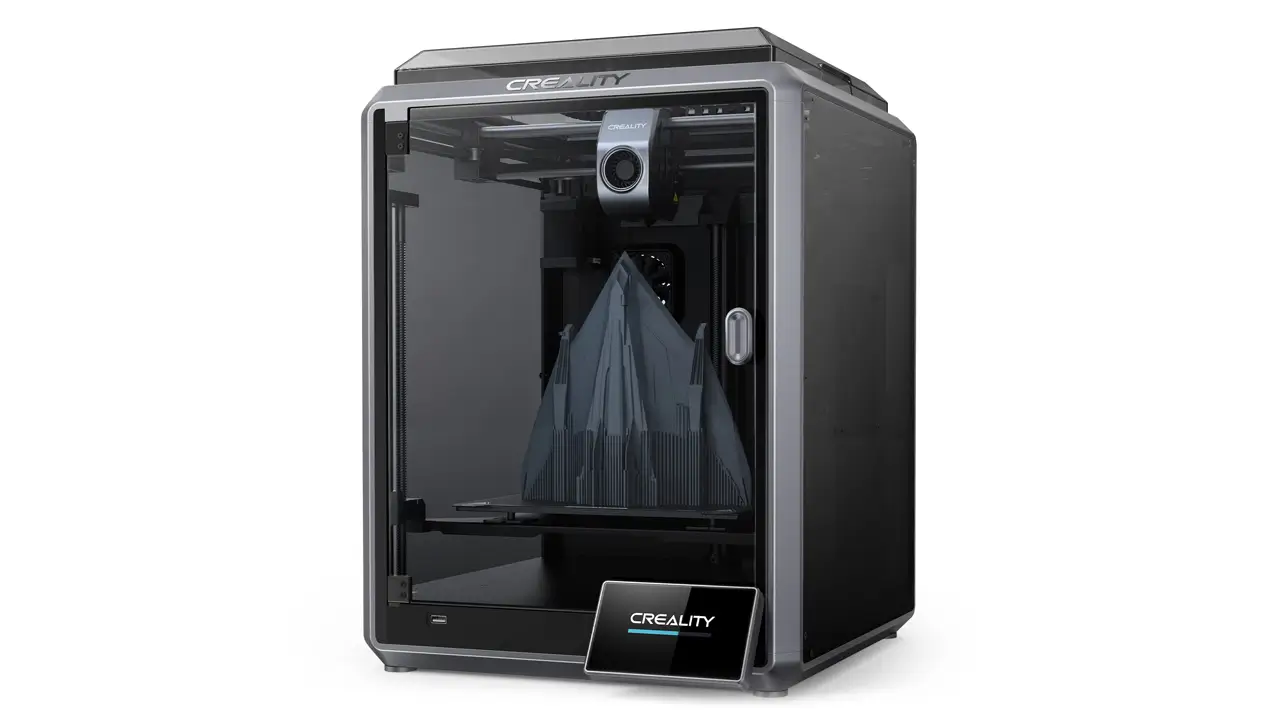
Creality K1 Max – Full Review of the Flagship High-Speed 3D Printer
Creality K1 Max – Full Review of the Flagship High-Speed 3D Printer If you’ve been keeping an eye on the […]
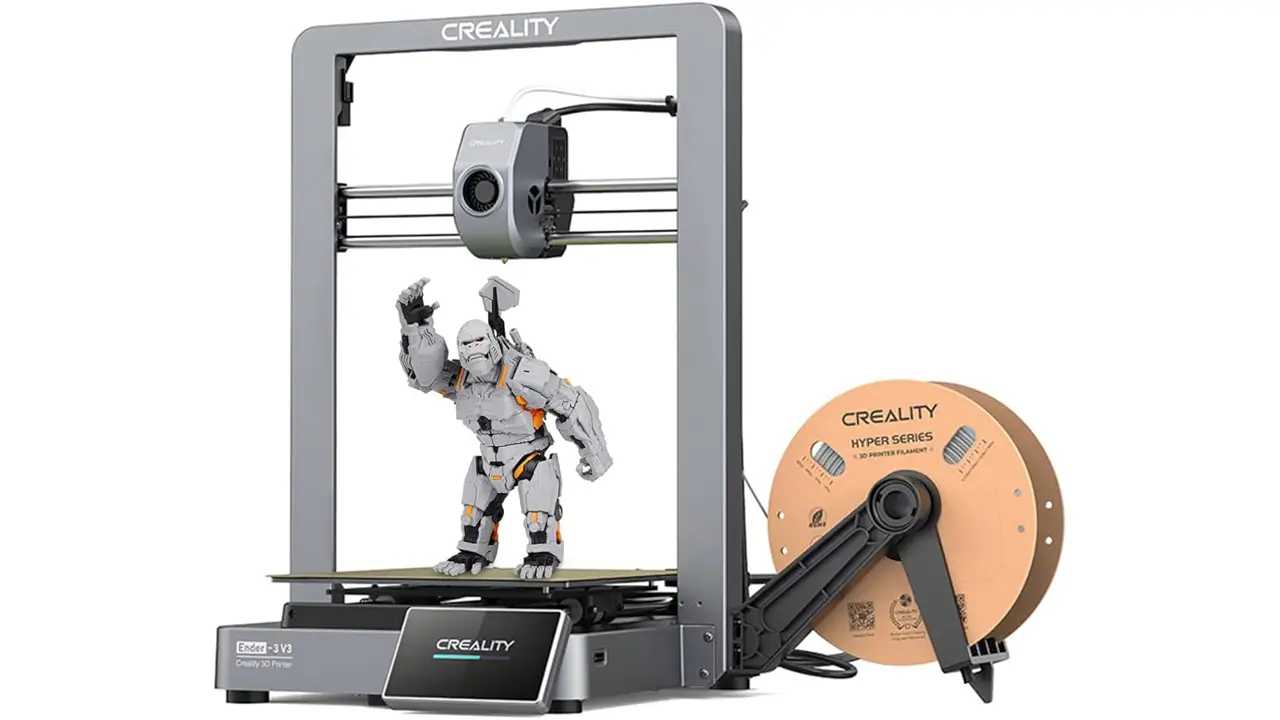
Creality Ender 3 V3 Review – Specs, Speed, Print Quality & Price 2026
Creality Ender 3 V3 Review – Specs, Speed, Print Quality & Price 2026 If you’ve been anywhere near the 3D […]
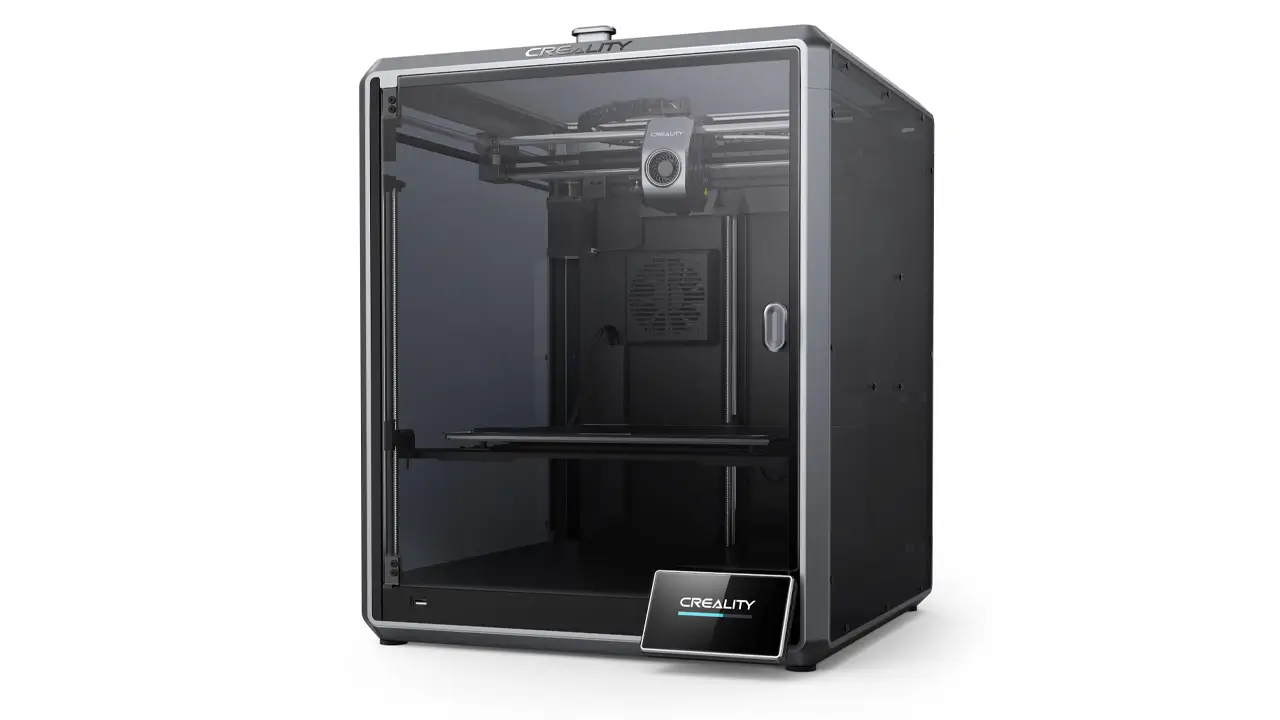
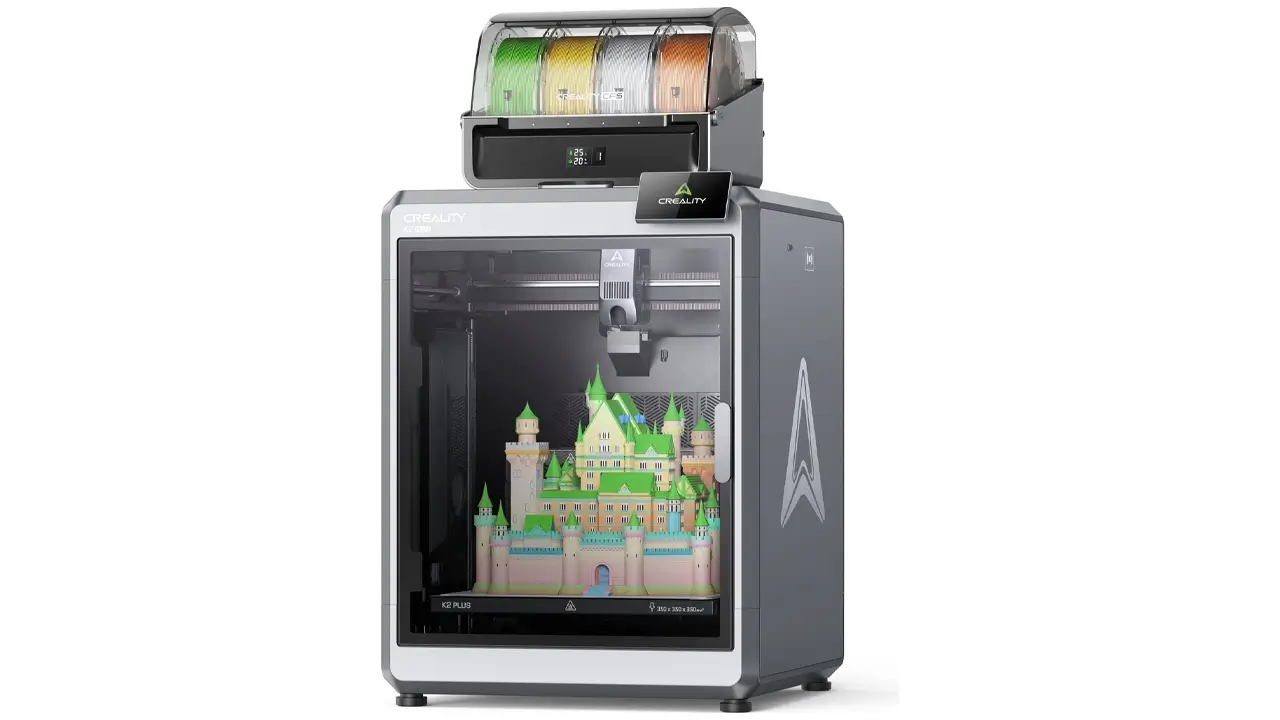
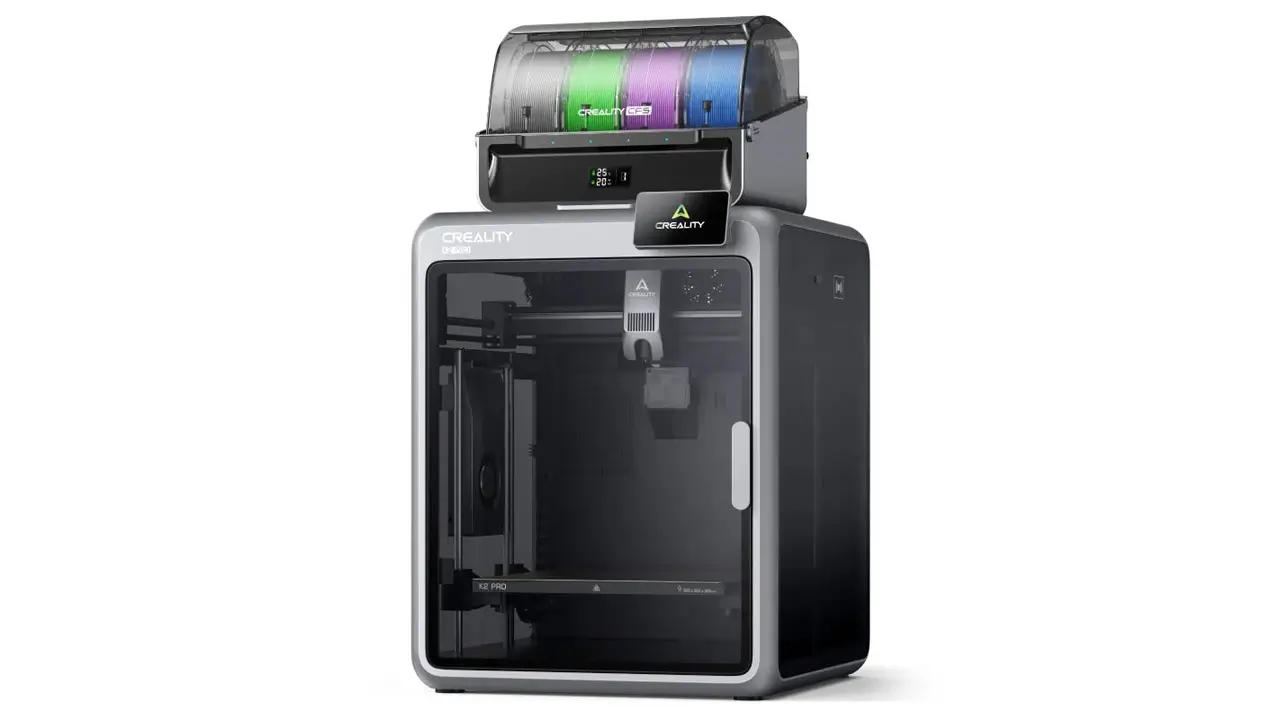
Creality K2 3D Printer Review – Specs, Price, CoreXY Performance
Creality K2 3D Printer Review – Specs, Price, CoreXY Performance If you’ve been keeping an eye on the 3D printing […]
Welcome to our comprehensive Creality 3D printer review — your go-to guide for understanding one of the most influential brands in the desktop 3D printing world. Whether you’re a curious beginner wondering what all the buzz is about, or an experienced maker looking to upgrade your setup, this review has you covered. We’ll walk through Creality’s history, their most popular models, innovative technology, software ecosystem, pricing, and help you figure out if a Creality printer is the right choice for you in 2026.
Let’s dive in.


| Model | Type | Build Volume | Max Speed | Best For |
|---|---|---|---|---|
| Ender 3 V3 SE | FDM / Cartesian | 220×220×250 mm | 250 mm/s | Beginners |
| Ender 3 V3 KE | FDM / Cartesian | 220×220×240 mm | 500 mm/s | Intermediate users |
| Creality K1 | FDM / CoreXY | 220×220×250 mm | 600 mm/s | Speed-focused makers |
| Creality K1 Max | FDM / CoreXY | 300×300×300 mm | 600 mm/s | Large, fast prints |
| CR-10 SE | FDM / Cartesian | 300×300×400 mm | 500 mm/s | Large format prints |
| Halot-Mage Pro | MSLA Resin | 218×123×230 mm | — | High-detail miniatures |
History of Creality and Its 3D Printing Technology
Creality was founded in 2014 in Shenzhen, China, by a small team with a bold vision: to make 3D printing accessible and affordable for everyone. The company’s full name, Shenzhen Creality 3D Technology Co., Ltd., reflects its roots in one of the world’s most innovative tech manufacturing hubs.
In its early years, Creality focused on FDM (Fused Deposition Modeling) printers — the most approachable and widely used 3D printing technology. FDM works by melting a plastic filament and depositing it layer by layer to build up a three-dimensional object. It’s relatively inexpensive, easy to understand, and compatible with a wide range of materials, which made it the perfect entry point for a company targeting the consumer market.
The real breakthrough came in 2017 with the release of the original Ender 3. This printer offered a quality that was previously only seen in machines costing twice as much, and it quickly became a global bestseller. Its open-source design encouraged a massive community of modders, tinkerers, and enthusiasts to improve and customize it, creating a feedback loop that benefited both users and Creality as a company.
Throughout the early 2020s, Creality expanded aggressively. They moved into resin printing with their Halot series and LD lineup, targeting users who needed fine detail for miniatures, jewelry, and dental applications. They also introduced CoreXY architecture — a more advanced printer motion system — into their lineup with the Ender 5 series and later the K1 range.
Creality’s approach to Creality 3D printing technology has always been evolution over revolution: taking proven engineering, refining it, and offering it at competitive prices. This strategy paid off enormously. By 2023, Creality had sold over 10 million printers worldwide and established a presence in more than 100 countries.
On the firmware side, Creality has made significant progress. Early machines shipped with relatively basic Marlin-based firmware. Over time, the company developed its own custom builds, added features like automatic bed leveling support, input shaping, pressure advance, and resonance compensation. The Creality firmware update pathway has also become more user-friendly — many newer models support over-the-air (OTA) updates directly through the Creality Cloud app, eliminating the need for manual SD card flashing that frustrated earlier users.
By 2026, Creality stands as one of the top three consumer 3D printer brands globally, competing directly with Bambu Lab and Prusa Research, while carving out its own niche as the brand that balances performance with affordability.
Popular Creality 3D Printer Models in 2026
One of Creality’s greatest strengths is the sheer breadth of its lineup. There’s a Creality printer for virtually every use case, skill level, and budget. Let’s look at the most important Creality 3D printer models currently available.
Creality Ender 3 Series
The Creality Ender 3 is arguably the most iconic consumer 3D printer ever made. The original launched in 2017, and the lineup has since expanded to include the Ender 3 V2, Ender 3 Neo, Ender 3 V3, and Ender 3 V3 SE and KE variants. Each iteration builds on the last, adding features like automatic bed leveling (ABL), silent stepper drivers, improved extruder designs, and faster print speeds.
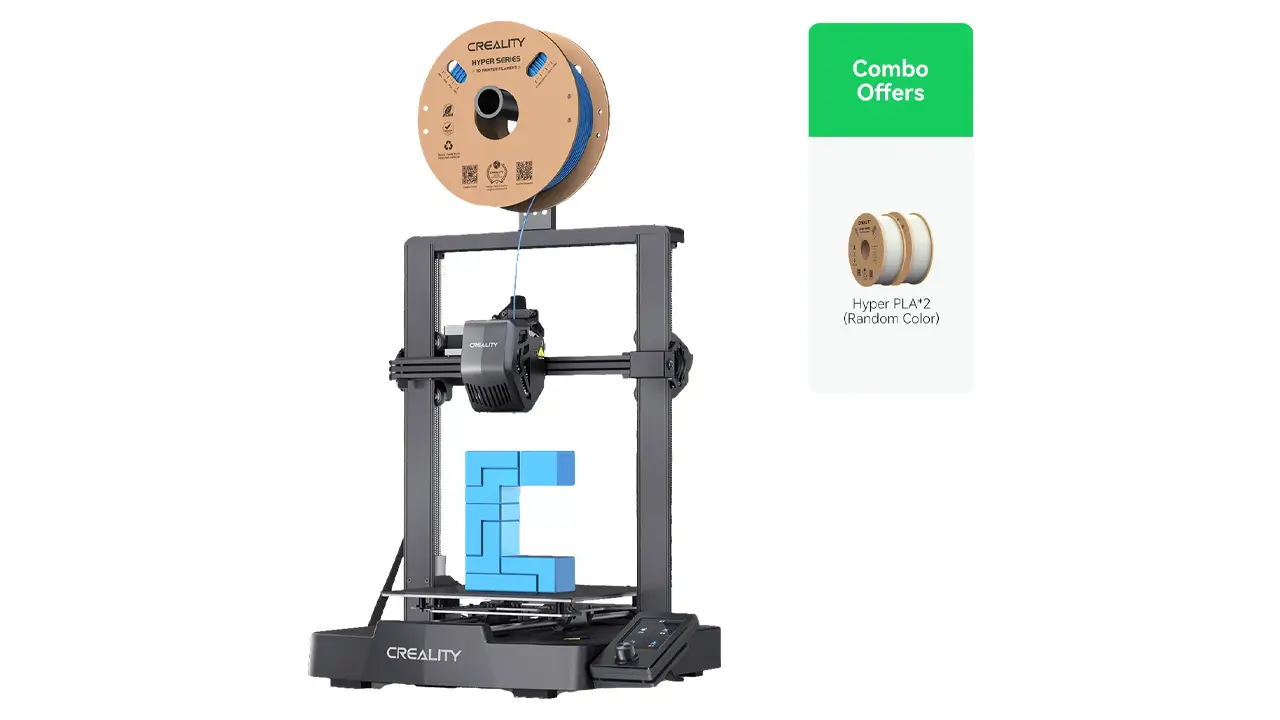
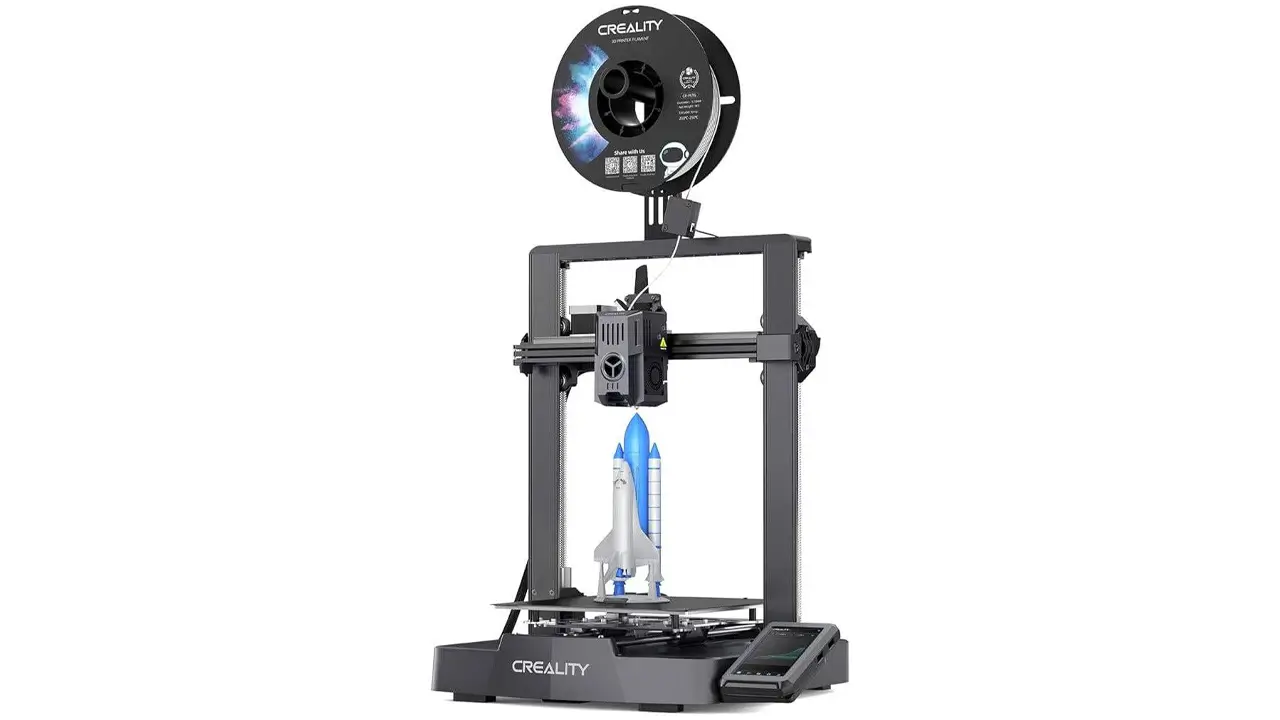
The Ender 3 V3 SE, for example, ships with a CR Touch ABL sensor, a PC spring steel magnetic bed, and a 32-bit mainboard — features that would have seemed premium just a few years ago. The Ender 3 V3 KE adds Klipper firmware and Wi-Fi connectivity out of the box, bridging the gap between beginner-friendly and advanced.
For anyone getting started with 3D printing, the Ender 3 series remains the benchmark recommendation. It’s well-documented, widely supported, and has a community that can help troubleshoot almost any issue imaginable. Read our detailed Ender 3 V3 KE individual review for a deep dive into the latest entry-level champion.
Creality K1 Series
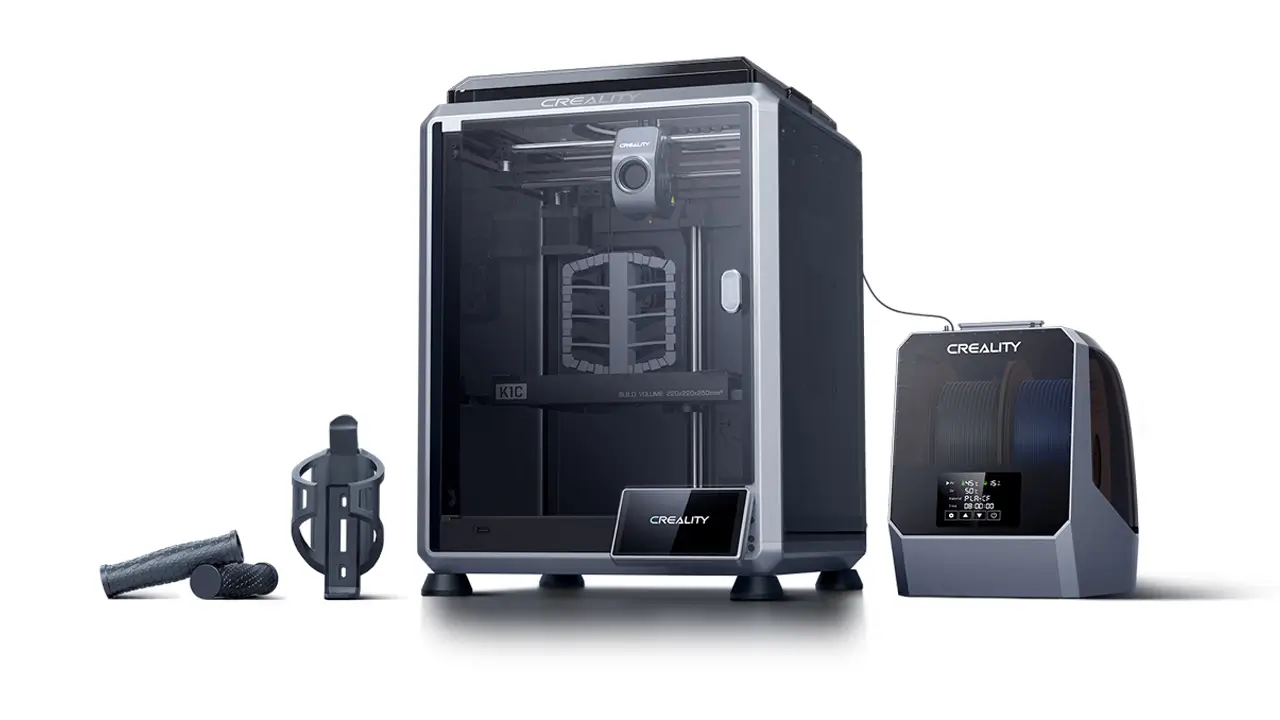
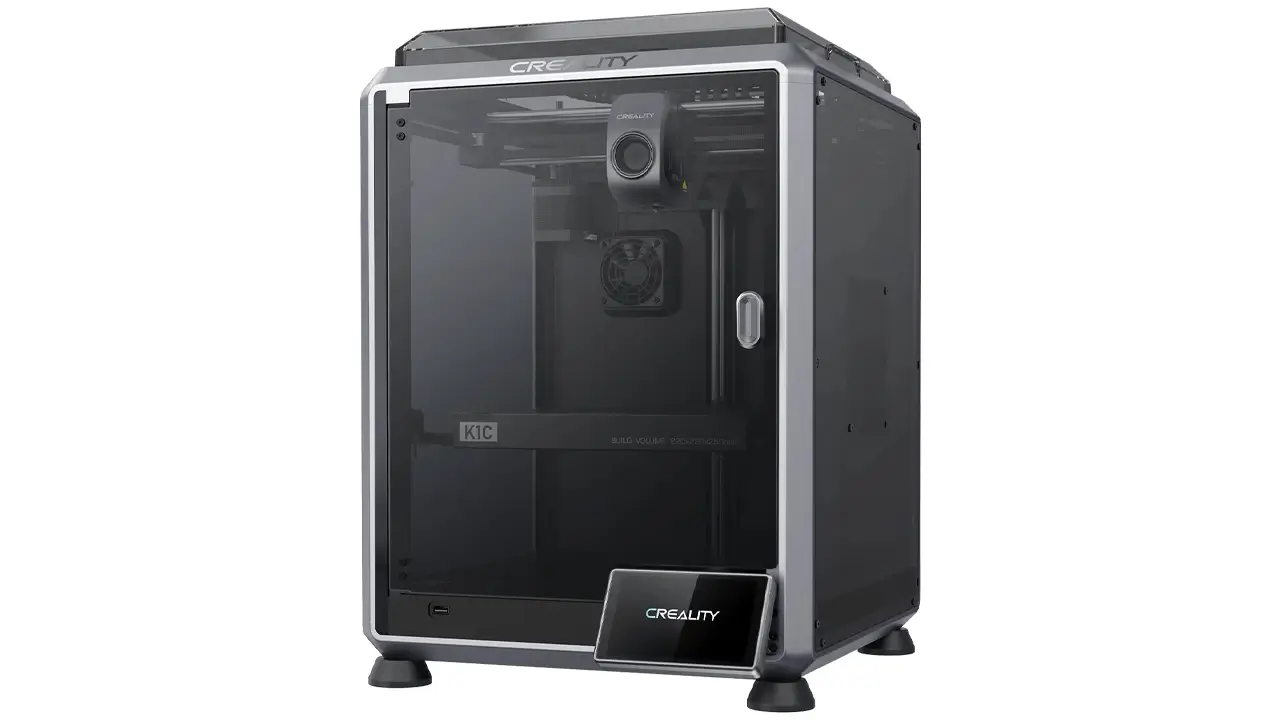
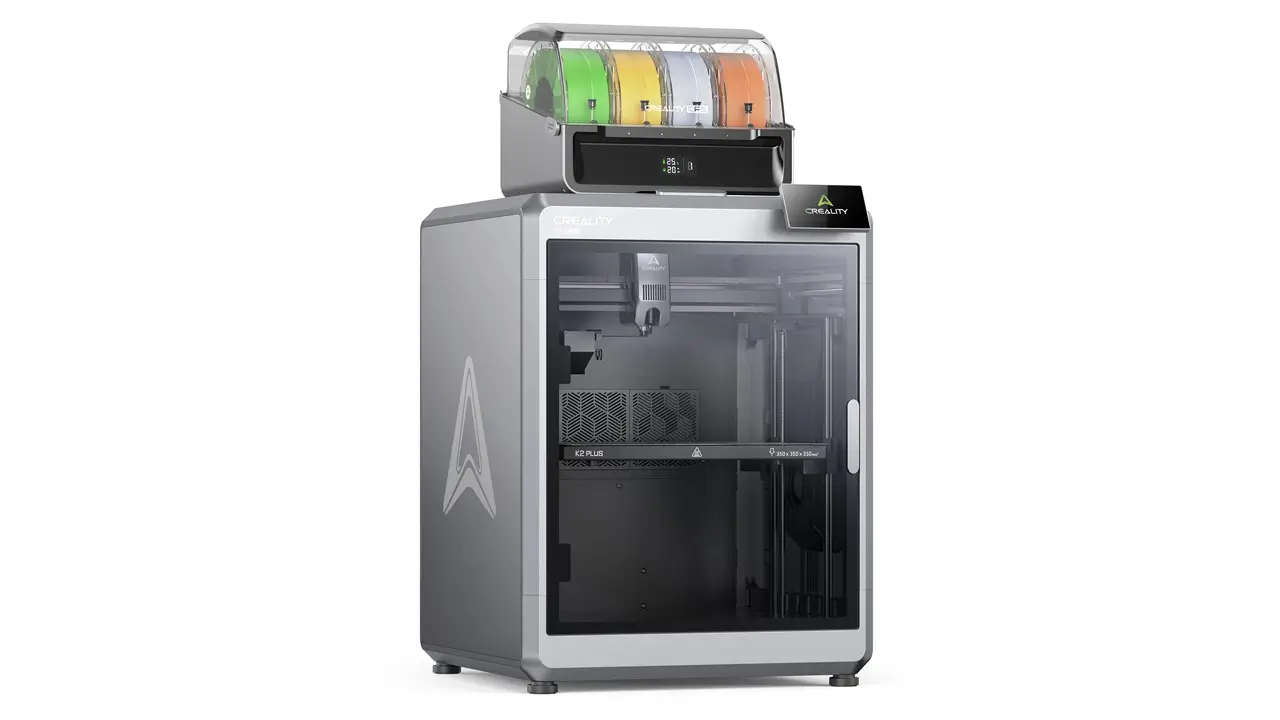
The Creality K1 represents Creality’s entry into the high-speed CoreXY arena. Launched in 2023 and refined through 2024–2026, the K1 and K1 Max are Creality’s most ambitious FDM printers to date. They feature an enclosed build chamber, Klipper firmware with AI-enhanced features, dual cooling systems, and print speeds up to 600 mm/s (with recommended quality speeds around 300 mm/s).
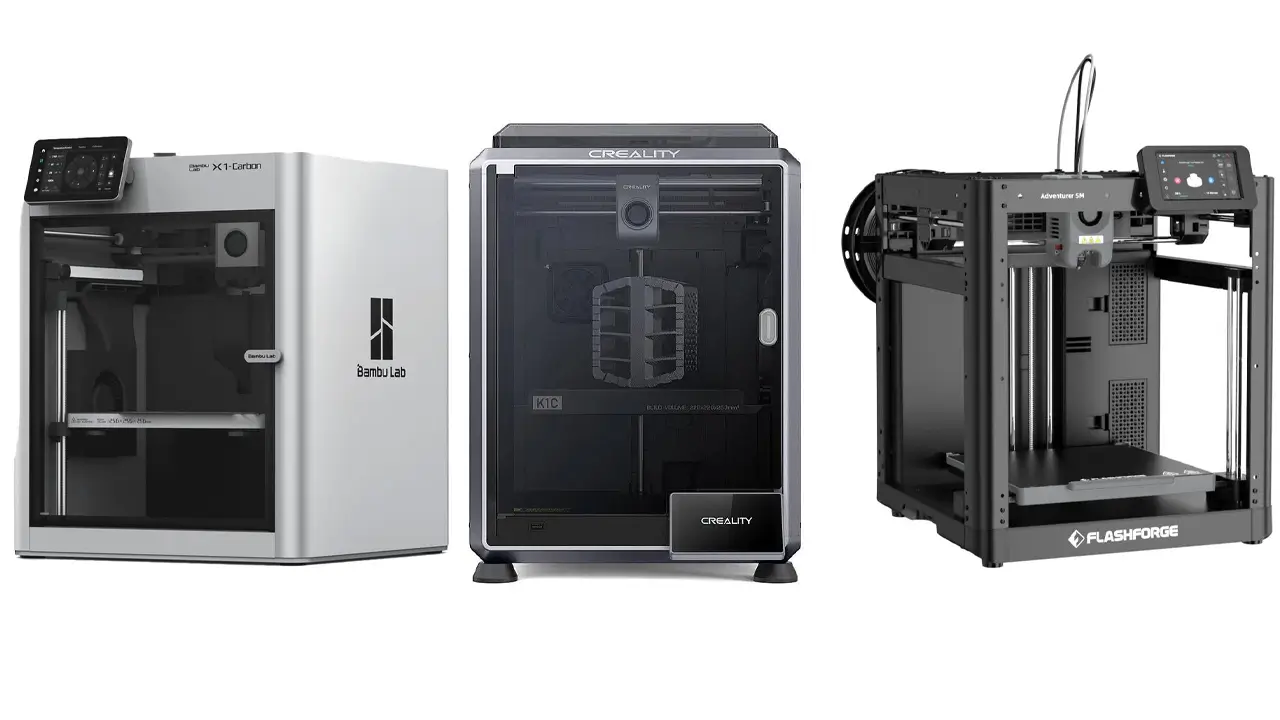
The K1 Max in particular stands out with its large 300×300×300 mm build volume, LiDAR-based first layer inspection, AI camera monitoring, and a full-color touchscreen. It’s designed to compete directly with the Bambu Lab X1 Carbon, and by many metrics, it does so at a more accessible price point.
For makers who want speed, enclosure, and smart automation without breaking the bank, the K1 series is a compelling choice. See our dedicated Creality K1 review for full benchmark results and real-world testing.
Creality CR-10 Series
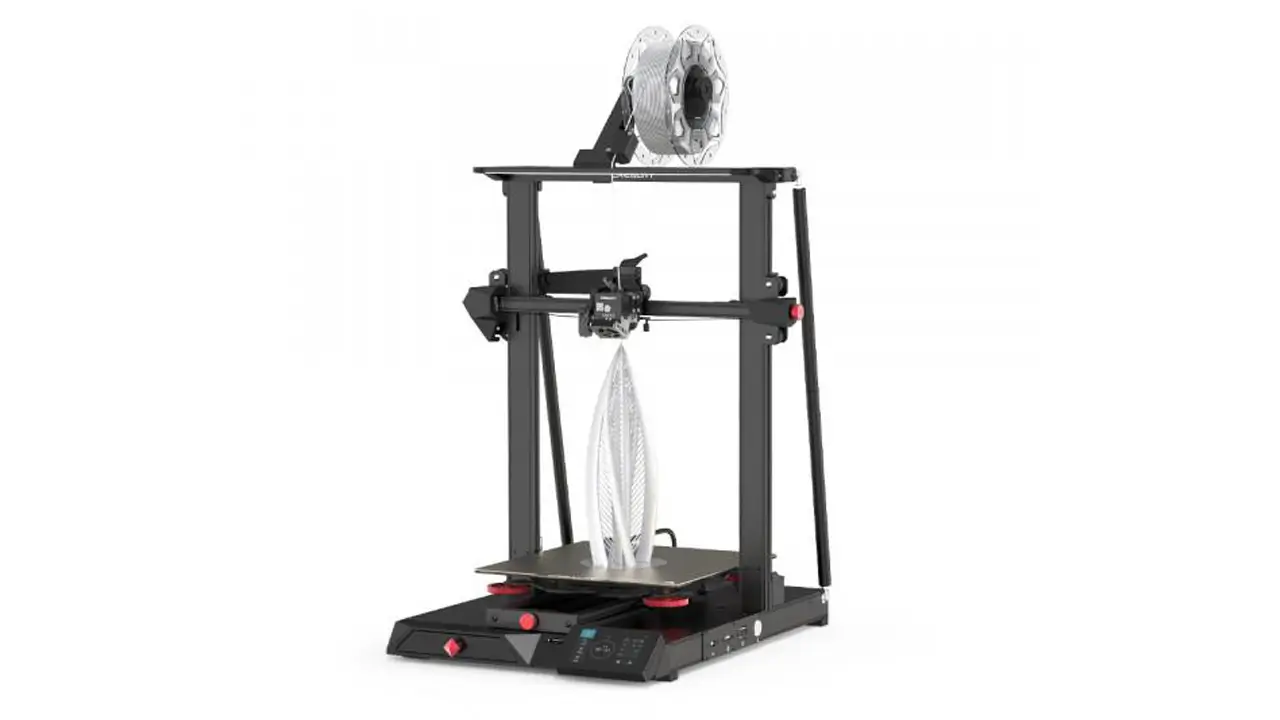
The Creality CR-10 was Creality’s second major hit, launched in 2017 alongside the early Ender series. Where the Ender 3 targeted compact, affordable printing, the CR-10 went big — literally. With a build volume of 300×300×400 mm in the original, it was one of the largest consumer-grade printers available at the time.
The CR-10 series has evolved substantially. The CR-10 SE offers automatic leveling, a direct drive extruder, and a Sprite extruder for improved material compatibility. These machines remain popular with creators who print large props, cosplay armor pieces, architectural models, and functional industrial parts.
Creality Resin Printers
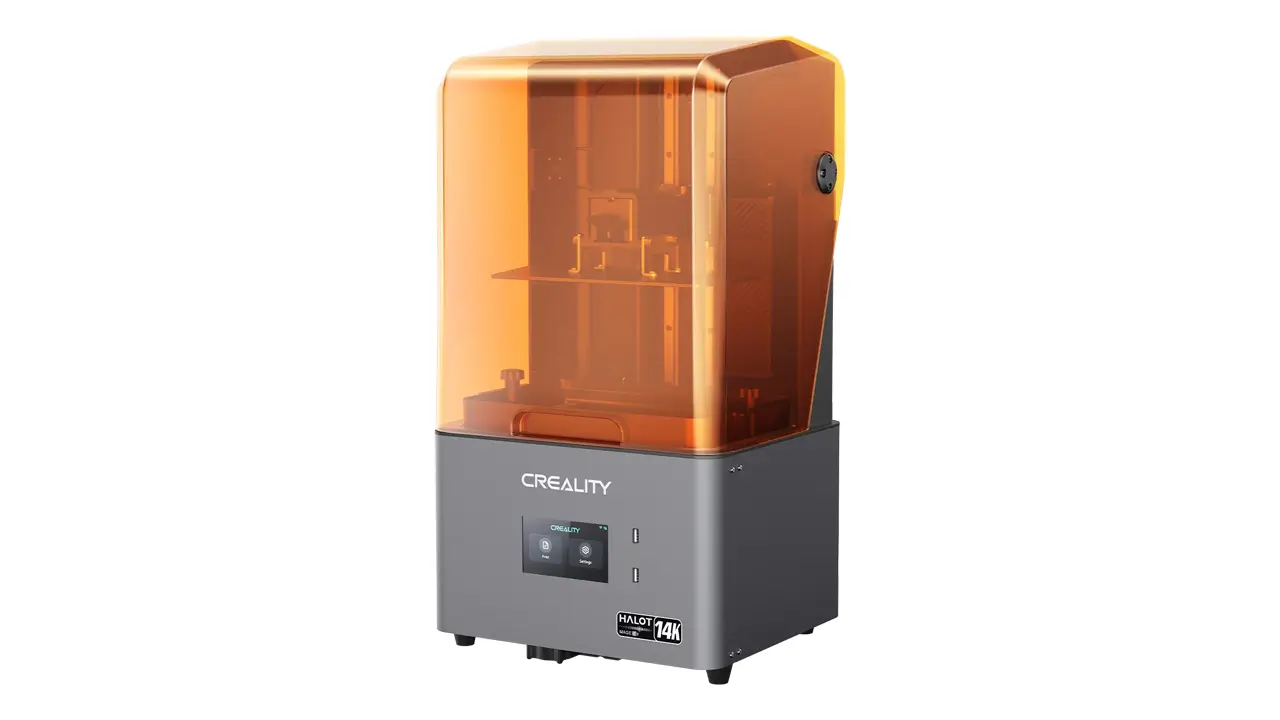
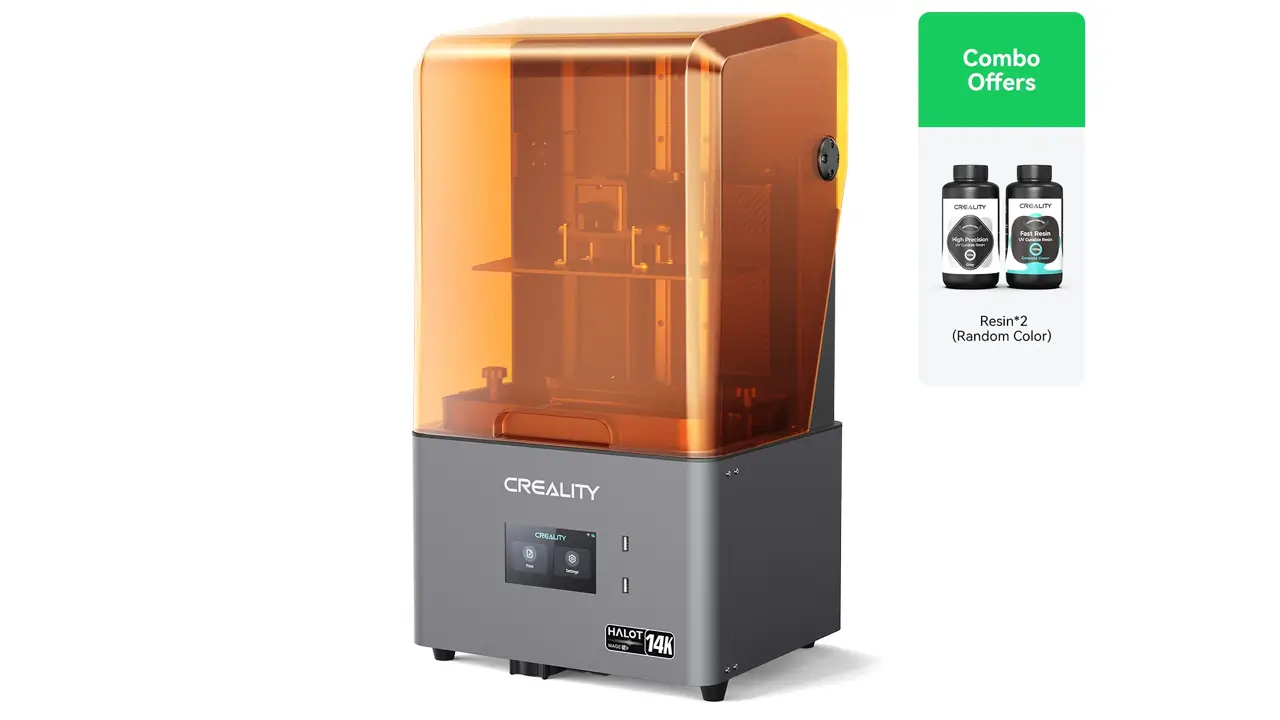
Creality’s resin lineup — particularly the Creality resin printer Halot and LD series — targets users who need extreme detail at a fine layer resolution. Resin printing uses photopolymer liquid cured by UV light rather than melted plastic, which allows for far more intricate surface detail.
The Halot-Mage series features 8K mono LCD screens, offering resolutions as fine as 34 microns on the X axis. The Halot-One and Halot-Ray models target different parts of the market — from budget-minded hobbyists printing miniatures to professional users creating dental molds and jewelry masters.
If you’re curious how these compare to other options, check out our resin printer comparison guide for a detailed side-by-side.
Creality High Speed & CoreXY Innovation
Speed has become the new battleground in consumer 3D printing, and Creality has stepped up aggressively. When Bambu Lab burst onto the scene in 2022 with printers capable of 500+ mm/s, the entire industry took notice. Creality’s response was the K1 series — a Creality high speed printer lineup built around CoreXY kinematics.
So what makes CoreXY special? In a traditional Cartesian printer (like the Ender 3), the print head moves along the X axis while the bed moves along the Y axis. This means the bed — which holds your part — is constantly accelerating and decelerating. At high speeds, this causes vibration and print quality issues, and limits how fast you can practically go.
In a Creality CoreXY printer, both the X and Y movements are handled by the print head itself, while the bed only moves vertically (Z axis). This dramatically reduces the moving mass in the X/Y plane, allowing for much faster acceleration without sacrificing print quality. The K1 series uses this architecture to achieve its rated 600 mm/s maximum speed.
But speed alone isn’t useful if quality suffers. This is where input shaping (also called resonance compensation) comes in. The K1’s Klipper firmware automatically measures vibration frequencies in the frame using an internal accelerometer and applies mathematical compensation to cancel those vibrations out during printing. The result is clean, sharp prints even at speeds that would turn a standard Cartesian printer’s output into a blurry mess.
Creality also implemented Pressure Advance in the K1’s firmware ecosystem — a feature that compensates for filament pressure lag in the nozzle during direction changes, which sharpens corners and reduces blobbing at high speeds.
Beyond the K1, the Ender 5 series has historically represented Creality’s CoreXY experiments at a more accessible price point. The Ender 5 S1 pushed speeds to 250 mm/s in a CoreXY frame with a direct drive extruder, making it a solid mid-range option between the classic Ender 3 and the flagship K1.
For users who care about throughput — printing more parts in less time — the shift to CoreXY is genuinely transformative. A part that takes 4 hours on a standard Ender 3 might complete in under 90 minutes on a well-tuned K1 at quality print settings. That’s not a minor upgrade; it fundamentally changes how you plan and use your printer.
Print Quality, Build Volume & Hardware Design
When evaluating any printer, Creality print quality is one of the first things makers want to know about. The honest answer is: it depends on the model, the settings, and how well the machine is set up. But across the board, Creality has made substantial improvements in print quality over the past few years.
On the entry-level side, the Ender 3 series produces clean, well-defined prints in PLA at standard speeds. Layer lines are visible at 0.2mm layer height (as they are on any FDM printer), but surface finish is generally smooth and consistent. With tuning — adjusting temperature, retraction, flow rate, and cooling — users routinely produce prints that rival machines costing significantly more.
The K1 series introduces a new level of quality at speed. Thanks to input shaping and pressure advance, walls are sharp, corners are crisp, and overhangs are well-handled by the dual-fan cooling system. The K1 Max in particular, with its larger build volume and enclosure, handles engineering materials like ABS and ASA much better than open-frame machines.
Creality build volume varies significantly across the lineup, which is one of its strengths. Users can choose from compact 220×220 mm beds on the Ender 3 series all the way up to 300×300×400 mm on the CR-10 series. The K1 Max hits a sweet spot with its 300-cubic build area, while the resin printers offer smaller but ultra-detailed print areas.
The Creality direct drive extruder has become standard on most modern Creality machines. Unlike older Bowden setups (where the extruder motor sits away from the hotend and pushes filament through a long tube), direct drive places the motor directly above the hotend. This gives far better control over flexible filaments like TPU, reduces stringing, and improves retraction performance. The Sprite Extruder Pro, Creality’s current flagship extruder used on models like the CR-10 SE and K1 series, supports an all-metal hotend capable of reaching 300°C — enough for advanced materials like PA-CF (nylon carbon fiber) and PC.
| Feature | Entry (Ender 3 SE) | Mid (Ender 3 KE) | Flagship (K1 Max) |
|---|---|---|---|
| Extruder Type | "Sprite" Direct Drive | Sprite Direct Drive | Unicorn Direct Drive |
| Auto Bed Leveling | CR Touch (37-point) | Strain Gauge | Strain Gauge + LiDAR |
| Max Hotend Temp | 260°C | 300°C | 300°C |
| Enclosure | No | No | Yes (full) |
| Input Shaping | No | Yes (Klipper) | Yes (Klipper) |
| Build Volume | 220×220×250 mm | 220×220×240 mm | 300×300×300 mm |
| Camera Monitoring | No | Optional | Yes (AI) |
Creality Slicer Software & Firmware Ecosystem
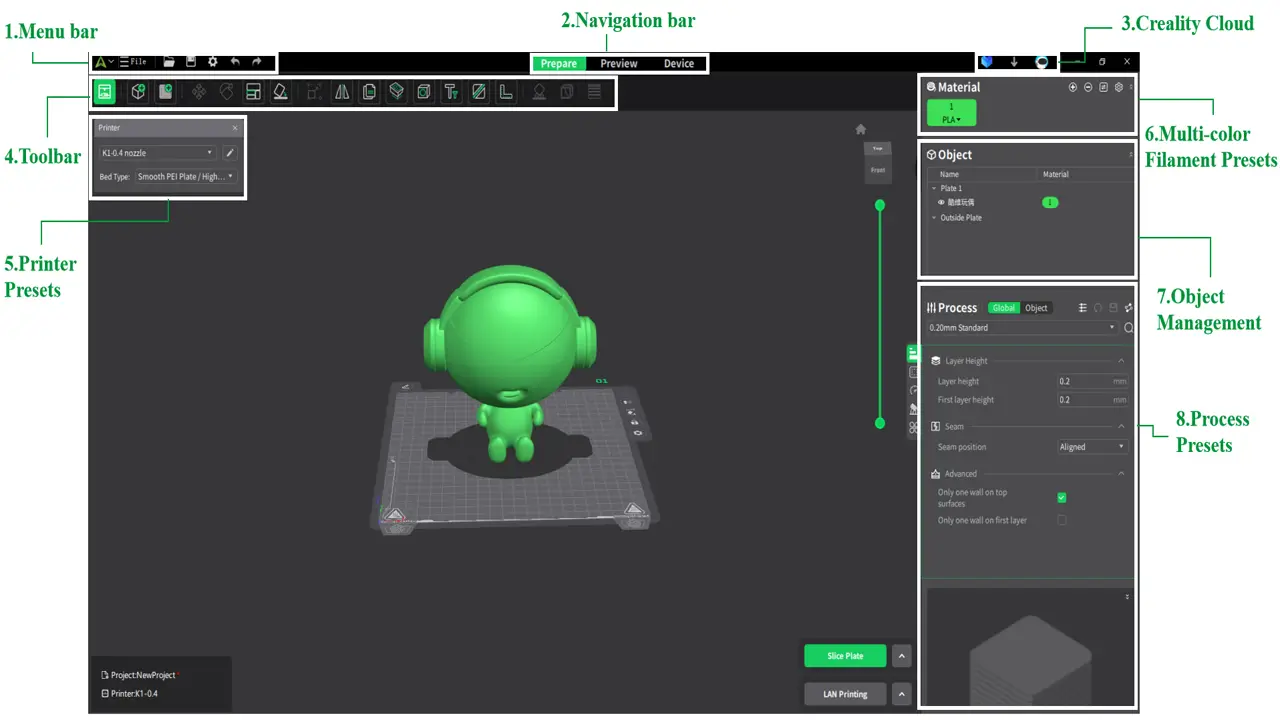
No 3D printer exists in isolation — the software behind it is just as important as the hardware. Creality has invested substantially in building out its own software ecosystem, centered around Creality slicer software called Creality Print (formerly Creality Slicer).
Creality Print is based on Ultimaker Cura’s open-source engine, which means it inherits a robust, battle-tested slicing core. But Creality has layered on its own UI improvements, pre-tuned printer profiles, and integration with Creality Cloud for remote printing management. The software supports all major Creality FDM machines and is updated regularly to add features and improve compatibility.
For users who want more control, Creality’s K1 series ships with Klipper — arguably the most powerful firmware available for consumer FDM printers. Klipper runs on a Raspberry Pi-class processor rather than the printer’s mainboard, which means it has far more computational power available for features like resonance compensation, pressure advance tuning, and real-time monitoring. It also integrates with Mainsail and Fluidd web interfaces, giving advanced users a full browser-based control panel for their printer.
The Creality firmware update experience has improved dramatically in recent years. On older machines like the original Ender 3, firmware updates required downloading a .bin file and copying it to an SD card — a process that intimidated many beginners. On the K1 series and newer Ender variants, OTA updates are delivered automatically through the Creality app, similar to how a smartphone receives software updates. This is a huge quality-of-life improvement that removes a significant friction point for non-technical users.
Creality Cloud, the company’s remote monitoring and printing platform, also deserves mention. Through the mobile app, users can monitor print progress, receive failure notifications, start and stop prints remotely, and access a library of community-shared models — all from their phone. The AI camera feature on the K1 Max can even detect print failures and pause automatically, saving both time and filament.
For those who prefer third-party slicers, Creality printers are widely compatible with PrusaSlicer, OrcaSlicer (which has become the community favorite for K1 users due to its excellent Klipper integration), and Bambu Studio profiles adapted for Creality hardware.
Creality 3D Printer Price & Value Comparison
One of the most common questions in any Creality 3D printer review is simple: how much does it cost, and is it worth it? The short answer is that Creality offers some of the best value in the industry at every price tier.
Creality 3D printer price points in 2026 range from around $150 for the Ender 3 V3 SE at the entry level, up to $600–$700 for the K1 Max at the flagship end. Resin printers like the Halot-Mage start around $200–$300 depending on the specific model and screen resolution.
When it comes to Creality printer comparison against competitors, the picture is nuanced. Bambu Lab’s A1 Mini starts at around $300 and offers exceptional out-of-box performance with multi-color capability, but its closed ecosystem and higher consumable costs add up over time. Prusa’s MK4 lands around $800 assembled, with a reputation for bulletproof reliability and excellent support — but you pay a premium for it. Creality sits comfortably in between: more polish and automation than budget no-name brands, at a fraction of Prusa’s price, and increasingly competitive with Bambu on performance.
You can compare Creality’s lineup with other options in our China 3D printers comparison guide for a detailed side-by-side.
| Brand / Model | Price (USD) | Max Speed | Ecosystem | Best Value For |
|---|---|---|---|---|
| Creality Ender 3 V3 SE | ~$150 | 250 mm/s | Open | First-time buyers |
| Creality K1 Max | ~$600 | 600 mm/s | Semi-open (Klipper) | Pro makers |
| Bambu Lab A1 Mini | ~$300 | 500 mm/s | Closed | Plug-and-play users |
| Bambu Lab X1 Carbon | ~$1,200 | 500 mm/s | Closed | Premium closed ecosystem |
| Prusa MK4 | ~$800 | 500 mm/s | Open | Reliability-focused users |
| Creality Halot-Mage Pro | ~$300 | — | Semi-open | Detail-focused resin work |
The value proposition becomes even clearer when you factor in Creality’s parts availability. Because so many Creality printers exist in the wild, replacement parts — nozzles, beds, extruder gears, belts, thermistors — are widely available on Amazon, AliExpress, and dedicated 3D printing suppliers, often for a few dollars. This lowers the total cost of ownership significantly compared to proprietary-ecosystem machines where you’re locked into a manufacturer’s spare parts pricing.
Final Verdict – Is Creality Worth It in 2026?
After a thorough Creality 3D printer review spanning the brand’s history, technology, model lineup, software ecosystem, and pricing, here’s the bottom line: yes, Creality is absolutely worth considering in 2026 — with some important nuances depending on your specific situation.
If you’re a complete beginner, the Ender 3 V3 SE is one of the best first printers money can buy. It’s forgiving, well-documented, and supported by one of the largest 3D printing communities on the internet. The price point means the stakes are low, and the machine will grow with you as your skills develop.
If you’re an intermediate user who wants modern features — Klipper firmware, fast printing, Wi-Fi connectivity, and better material support — the Ender 3 V3 KE hits a remarkable sweet spot. It brings flagship-tier software to an accessible price without requiring you to spend K1 money.
If you’re a serious maker or small production shop that needs speed, reliability, and large build volume, the K1 Max is genuinely competitive with printers that cost twice as much. Its Klipper ecosystem, AI monitoring, LiDAR bed leveling, and enclosed chamber make it a legitimate workhorse. The community around OrcaSlicer and K1 modifications continues to push its capabilities even further.
If you need fine detail above all else — for miniatures, dental, jewelry, or prototyping — Creality’s resin printers, particularly the Halot-Mage series, deliver impressive results at prices that undercut many competitors with comparable specs.
The areas where Creality still has room to improve include out-of-box reliability consistency (quality control can vary unit to unit, though this has improved substantially), customer support response times for international buyers, and multi-material printing capability (where Bambu Lab’s AMS system still leads the field).
But taken as a whole, Creality’s combination of breadth, affordability, open-source friendliness, and rapidly improving technology makes it one of the most exciting brands in 3D printing today. Whether you’re printing your first benchy or your thousandth functional part, there’s a Creality machine that deserves a place on your workbench.
Frequently Asked Questions (FAQ)
Q: What is the best Creality 3D printer for beginners in 2026? The Creality Ender 3 V3 SE is widely considered the best entry-level option. It includes automatic bed leveling, a direct drive extruder, and a magnetic spring steel bed at a price point around $150. Its enormous community support makes troubleshooting much easier for first-time users.
Q: How fast can Creality printers print? It depends on the model. Entry-level machines like the Ender 3 V3 SE reach up to 250 mm/s. Mid-range models like the Ender 3 V3 KE reach 500 mm/s. Flagship models like the K1 and K1 Max are rated at up to 600 mm/s maximum speed, with recommended quality print speeds around 300 mm/s.
Q: Does Creality use Klipper firmware? Yes, several Creality models ship with Klipper pre-installed. These include the Ender 3 V3 KE, K1, K1 Max, and other recent releases. Klipper enables input shaping, pressure advance, and OTA firmware updates, among other advanced features.
Q: What slicer software does Creality recommend? Creality’s own slicer is called Creality Print, available for free on their official website. It’s based on Cura’s engine and includes pre-configured profiles for all Creality machines. Many advanced users prefer OrcaSlicer for Klipper-based machines or PrusaSlicer as alternatives.
Q: Can Creality printers print flexible filaments like TPU? Yes, most modern Creality printers with direct drive extruders — including the Ender 3 V3 SE, Ender 3 V3 KE, K1, and CR-10 SE — can print flexible filaments like TPU without major modifications. Direct drive gives much better control over flexible materials compared to Bowden setups.
Q: How does Creality compare to Bambu Lab? Creality offers more open-ecosystem flexibility (especially with Klipper models), lower price points, and better parts availability. Bambu Lab typically offers a more polished out-of-box experience and a leading multi-material system (AMS). For users who want to tinker and customize, Creality generally wins. For those who want maximum automation with minimal setup, Bambu Lab has an edge — at a higher cost.
Q: Are Creality firmware updates free? Yes. All Creality firmware updates are provided free of charge through the official Creality website and, on supported models, through OTA updates via the Creality app. There is no subscription required for firmware updates or basic use of Creality Print slicer software.
Q: What materials can Creality printers handle? It depends on the model. Entry-level machines with all-plastic hotends are best suited for PLA and PETG. Models with all-metal hotends (like the K1 Max and CR-10 SE) can handle ABS, ASA, TPU, PA-CF (carbon fiber nylon), and PC at temperatures up to 300°C. Enclosed printers are recommended for ABS and ASA to prevent warping.
The Honor MagicBook Pro 16 (2026) is shaping up to be a true performance monster for creators. With Intel Core Ultra or AMD Ryzen options, NVIDIA GeForce RTX 5070 Laptop graphics, and a stunning 16-inch 3K high-refresh display, this machine is built for speed, power, and precision.
Add 260W power delivery, spatial audio, and AI optimization, and you get a laptop that feels more like a high-performance muscle car than a traditional notebook. Editing, rendering, gaming, multitasking — it handles everything with confidence.
The model has already passed 3C certification, and the official launch is expected after Chinese New Year 2026.
Read the full review here:
https://bestchinagadget.com/honor-magicbook-pro-16-2026-review/
Creality 3D Printer ReviewCreality 3D Printer ReviewCreality 3D Printer ReviewCreality 3D Printer ReviewCreality 3D Printer ReviewCreality 3D Printer ReviewCreality 3D Printer ReviewCreality 3D Printer ReviewCreality 3D Printer ReviewCreality 3D Printer ReviewCreality 3D Printer Review