Anycubic 3D Printers – Complete 2026 Overview

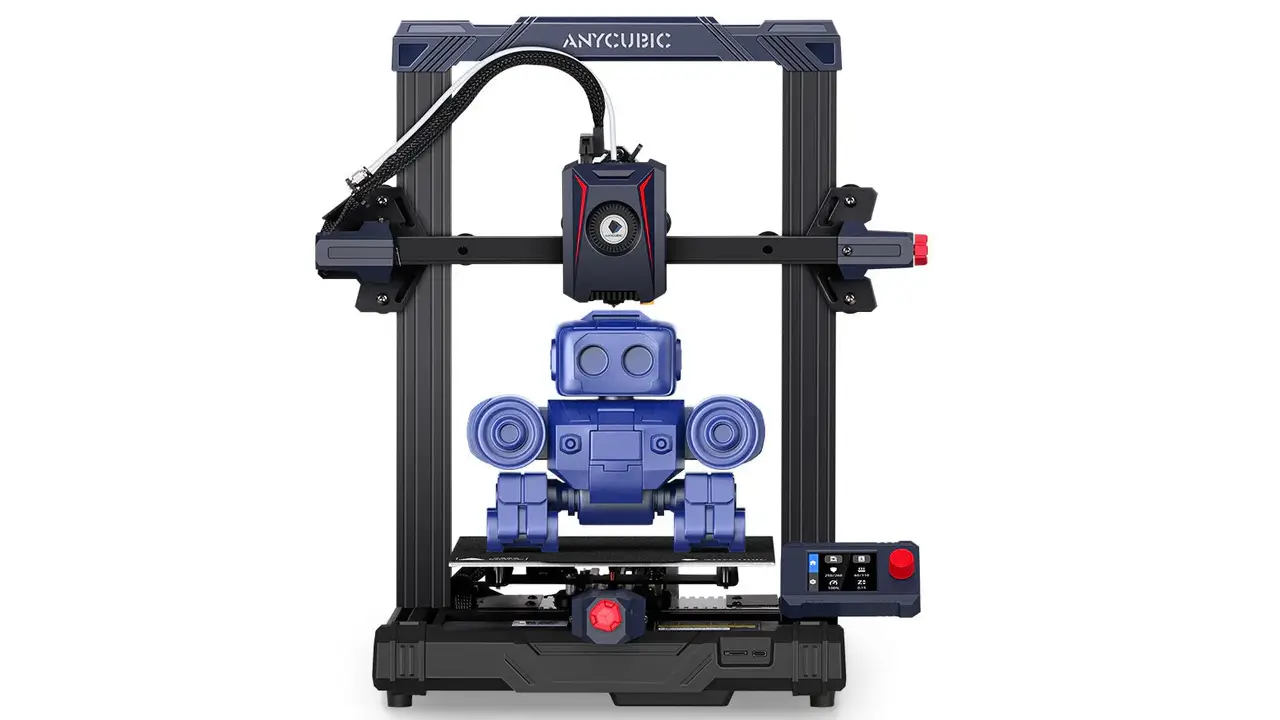
anycubic kobra 2 pro

Anycubic Kobra 2 Pro Review – Speed, Specs & Test

Anycubic Kobra 2 Pro Review – Speed, Specs & Test Introduction to Anycubic Kobra 2 Pro If you’ve been keeping […]

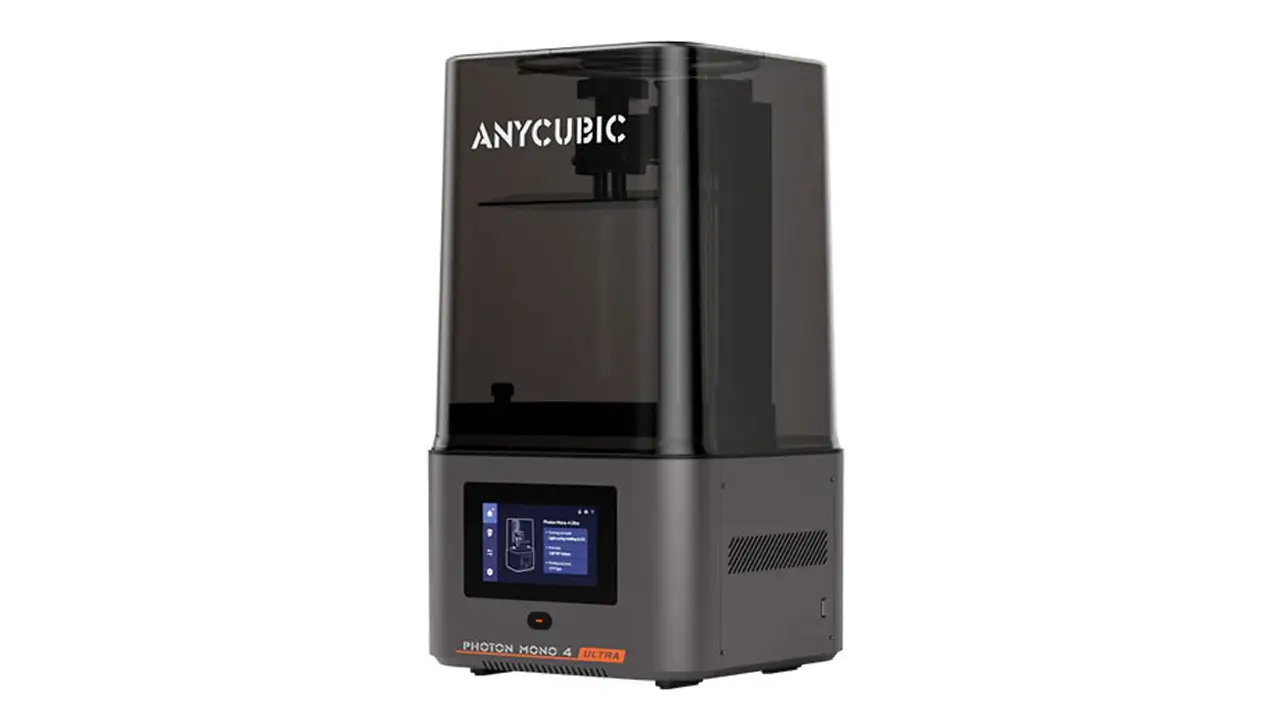
Anycubic Photon Mono X2

Anycubic Photon Mono X2 Review – Specs, Price & 4K Performance

Anycubic Photon Mono X2 Review – Specs, Price & 4K Performance Whether you are a seasoned maker or just getting […]

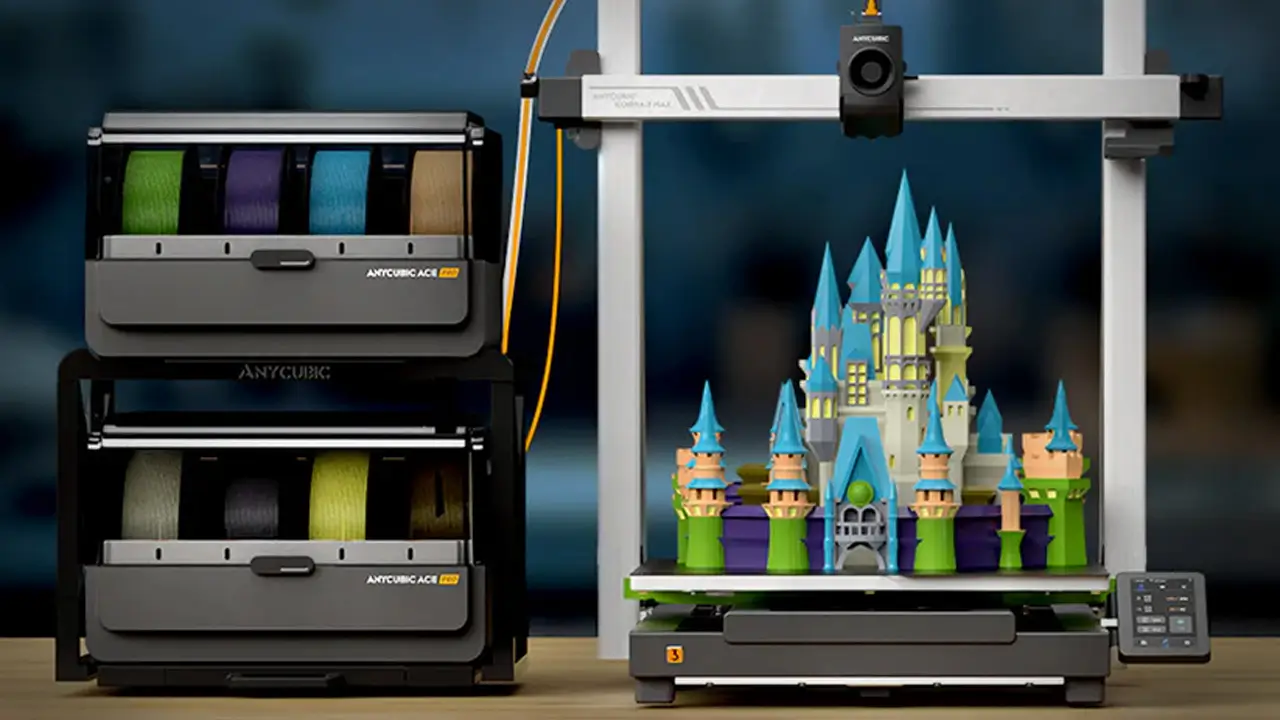
Anycubic Cobra 3 Combo

Anycubic Cobra 3 Combo Review – Multi Color FDM 3D Printer

Anycubic Cobra 3 Combo Review – Multi Color FDM 3D Printer The Anycubic Cobra 3 Combo (officially known as the […]

1. Introduction to Anycubic 3D Printers

If you’ve been researching the world of desktop 3D printing, chances are you’ve already come across the name Anycubic. Founded in 2015 and headquartered in Shenzhen, China, Anycubic has grown into one of the most recognizable brands in the global consumer 3D printing market, with a presence in over 200 countries and regions. Their mission has stayed consistent from day one: make 3D printing technology accessible, affordable, and genuinely enjoyable for everyone — from curious beginners to seasoned makers.

What sets Anycubic apart in a crowded market is their dual-track product strategy. On one hand, they produce a robust lineup of FDM (Fused Deposition Modeling) printers under the popular Kobra series. On the other hand, they’ve built a formidable reputation in resin printing with their Photon Mono line. This combination means that whether you’re printing large cosplay props or ultra-detailed miniatures for tabletop gaming, Anycubic likely has a machine designed for exactly that job.

As of 2026, Anycubic continues to push the boundaries of what’s possible at accessible price points. Their latest models feature auto-leveling technology, high-speed motion systems, multi-color printing capabilities, and cloud connectivity — features that, just a few years ago, were only available on machines costing two or three times as much. This guide covers everything you need to know about the best Anycubic 3D printers in 2026, from entry-level picks to flagship performers.


2. Anycubic Kobra Series Explained

The Kobra series is Anycubic’s flagship FDM printer family and arguably the most influential product line they’ve ever launched. What began as an approachable entry-level machine has evolved into a diverse ecosystem of printers that cater to beginners, intermediate users, and ambitious makers who need serious build capacity.

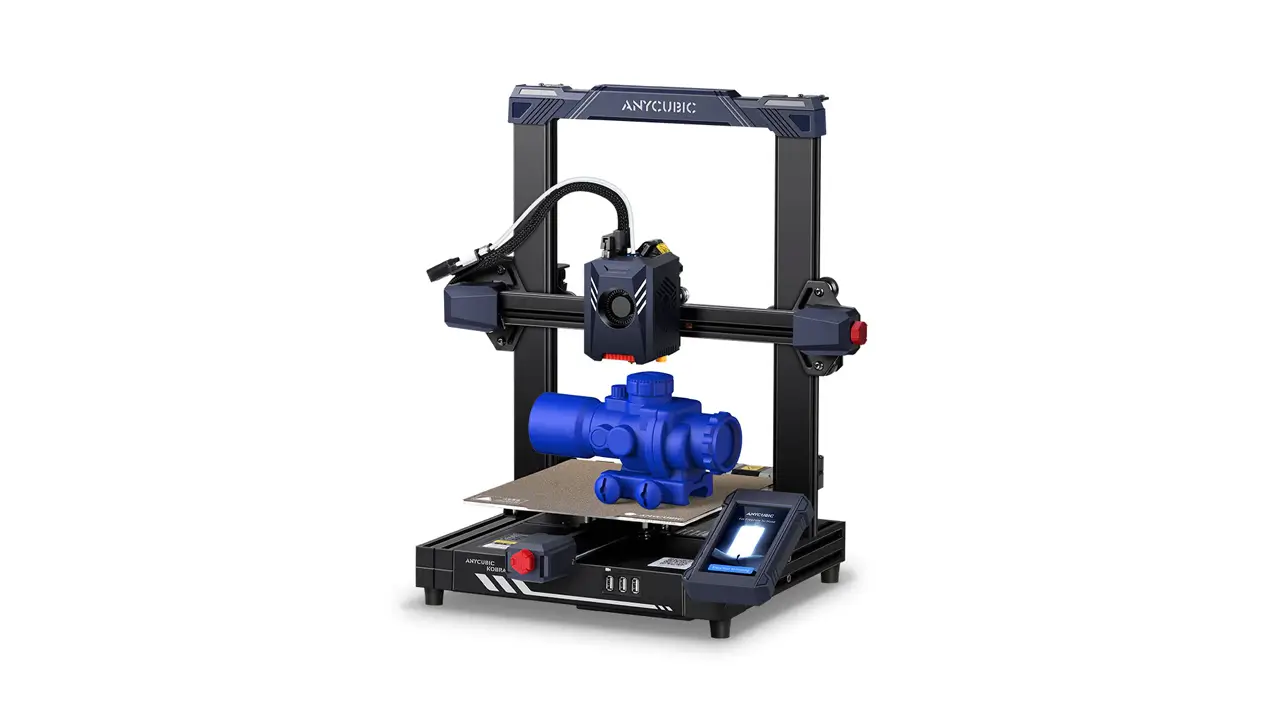
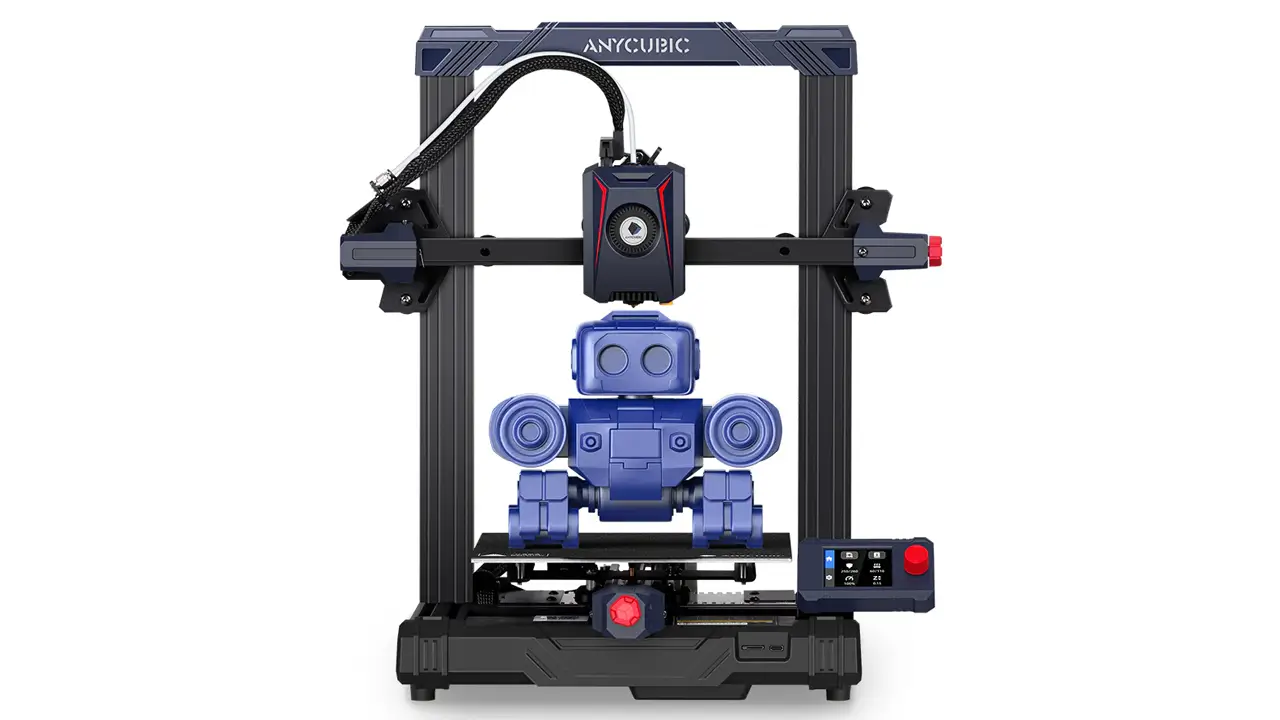
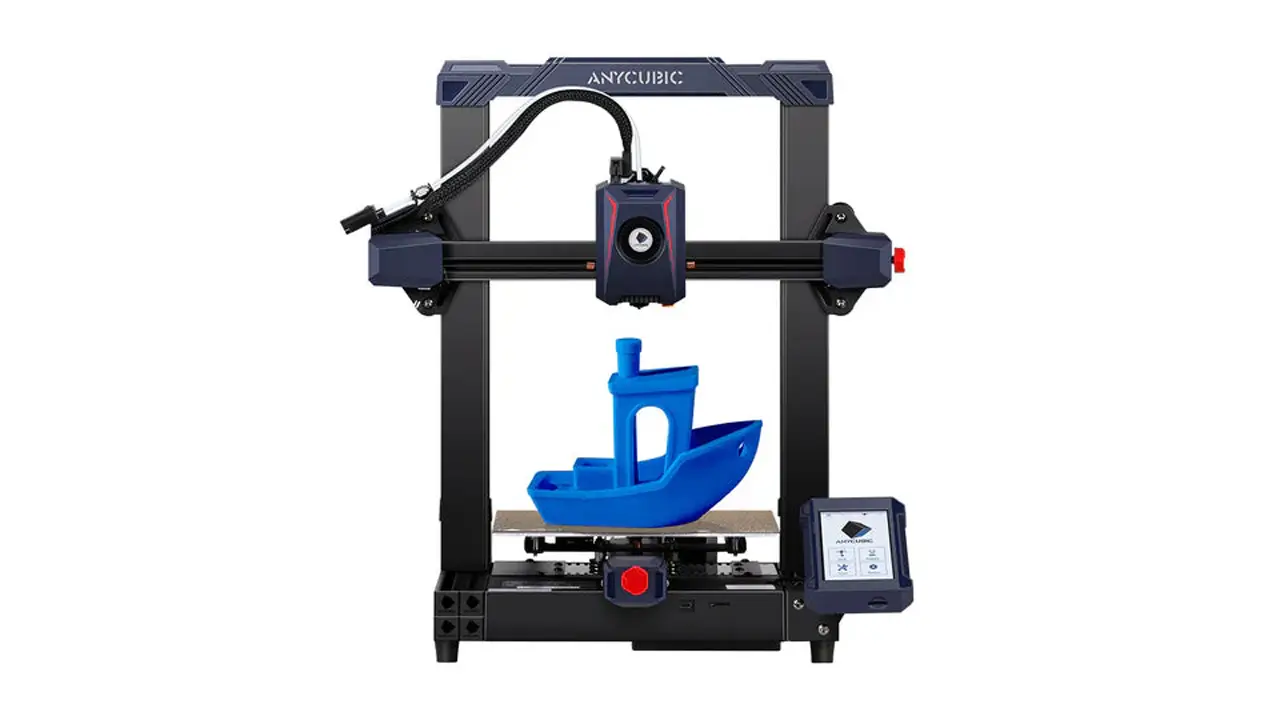
The Anycubic Kobra 2 — launched in 2023 — marked a pivotal moment for the brand. With a default print speed of 150 mm/s and a maximum of 250 mm/s, the Kobra 2 was up to five times faster than typical beginner FDM printers available at the time. It incorporated a direct drive extruder, Anycubic’s LeviQ 2.0 auto-leveling system, a double Z-axis threaded rod design for stability, and an upgraded cooling system — all in an accessible package that reduced print time by up to 70% compared to earlier models.

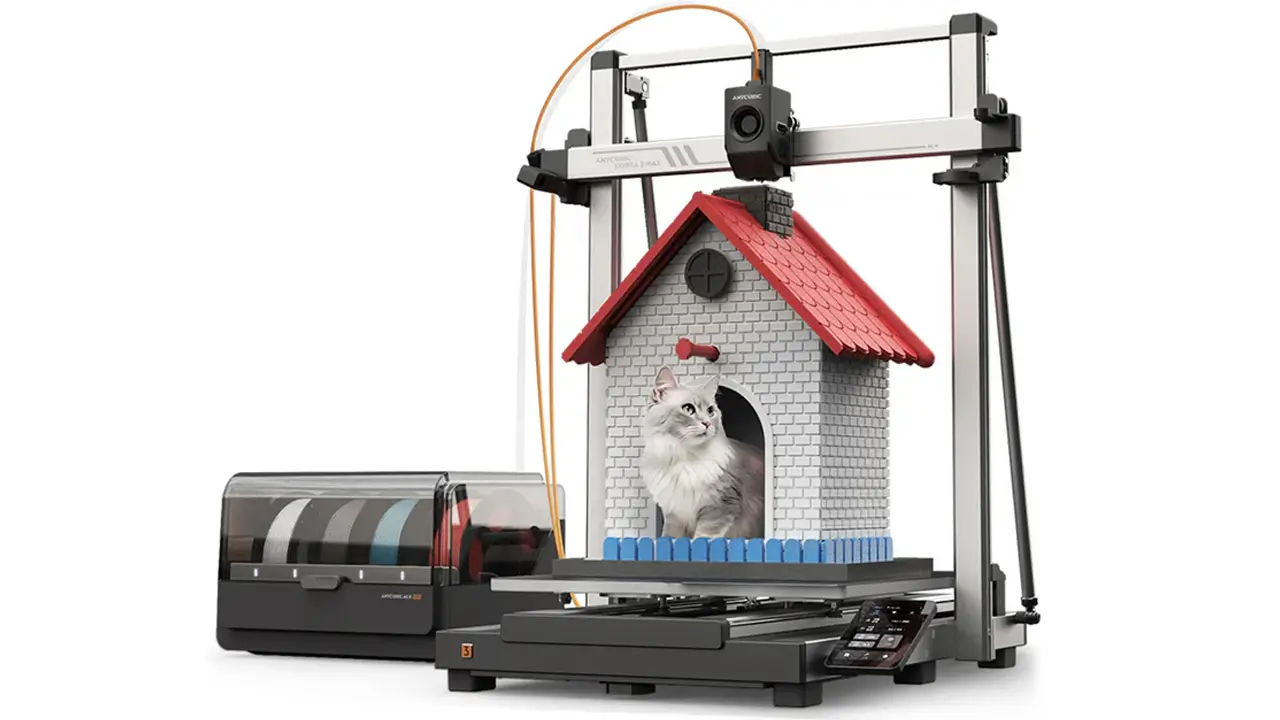
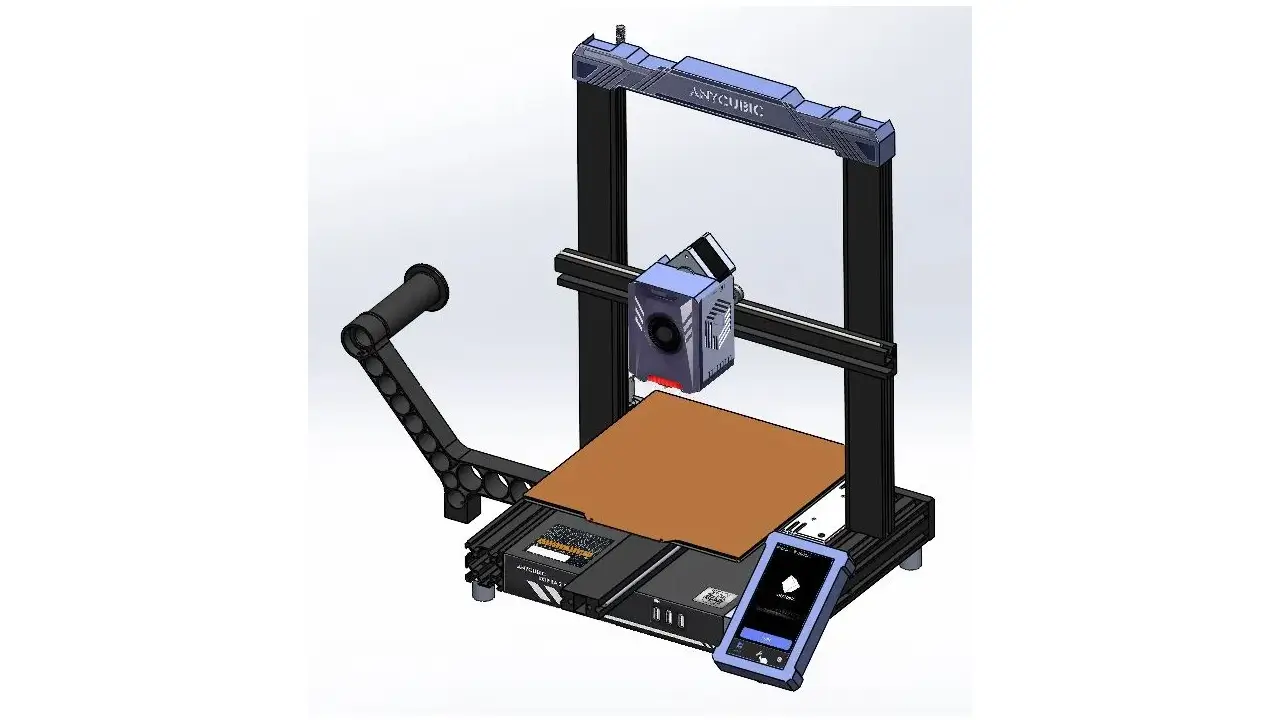
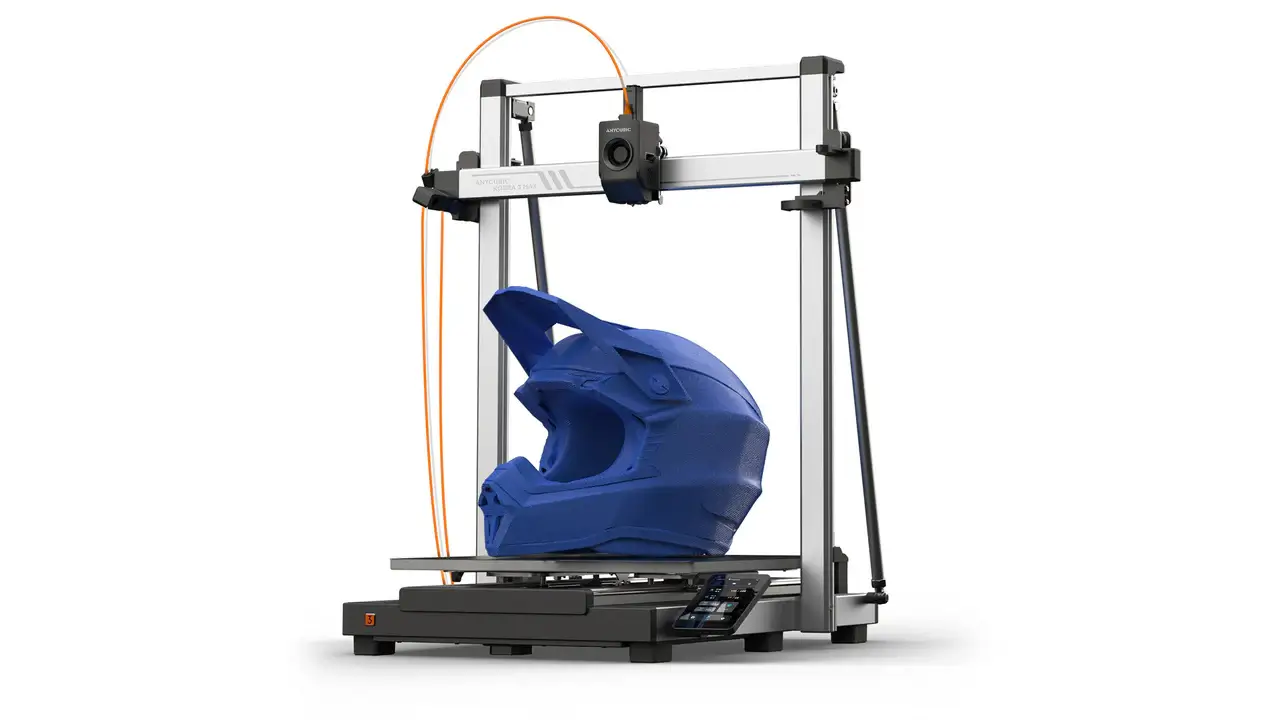
Building on that success, the Kobra 3 and the larger Kobra 3 Max represented another leap forward. The Kobra 3 Max, in particular, stands out as Anycubic’s flagship consumer model: it features a massive 420×420×500 mm build volume, a heated bed capable of reaching 110°C, and blazing-fast print speeds approaching 600 mm/s with 10,000 mm/s² acceleration. That’s a build volume of roughly 88 liters — enough to print full-sized helmet components or architectural models in a single run. The Kobra 3 Max also supports Wi-Fi, LAN, USB, and Anycubic Cloud connectivity, with an optional camera module for remote monitoring via the Anycubic app.

The newest addition to the Kobra family heading into 2026 is the Kobra X, announced in late December 2025. This machine targets multi-color enthusiasts with native four-color printing that can be expanded to up to 19 colors, using a hardened steel nozzle rated to 350°C. The Kobra X features a 260×260×260 mm build volume, dynamic flow calibration, vibration compensation, active noise reduction with a silent mode rated at 45 dB or below, and an 81.25% reduction in filament purge waste compared to conventional multi-color setups. Early bird pricing came in at $259–$279 during the January–February 2026 campaign window.

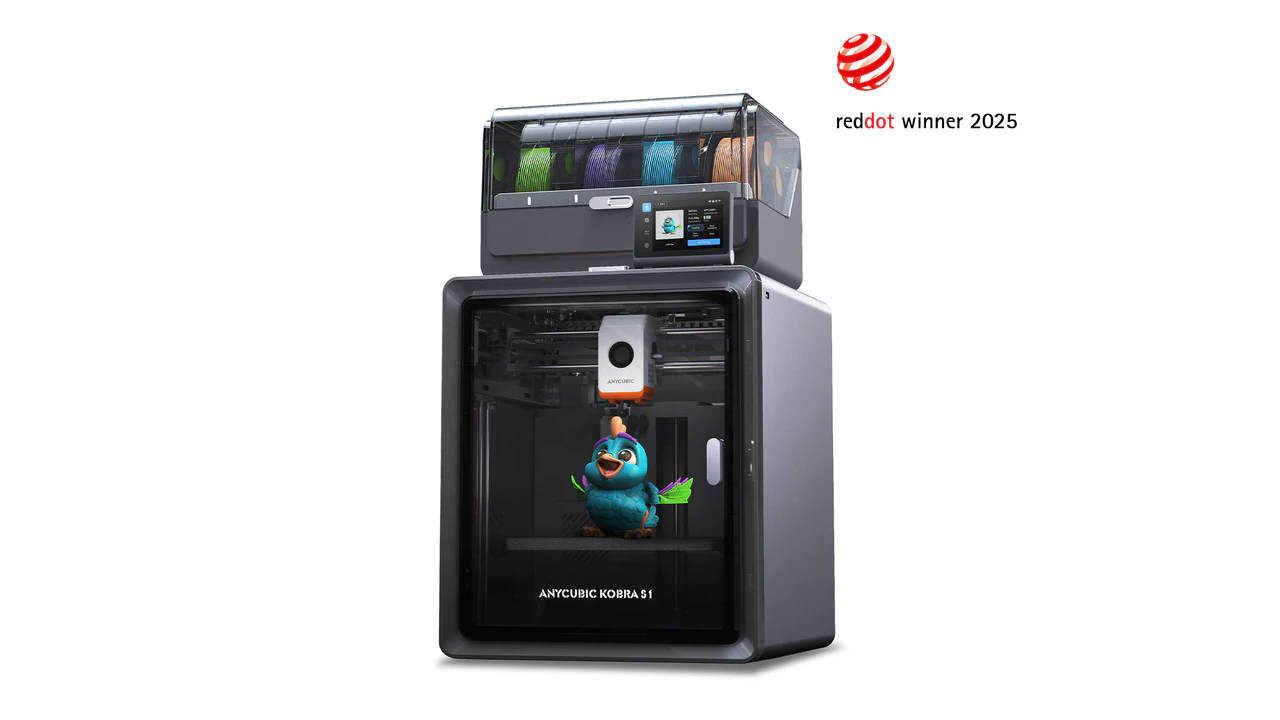
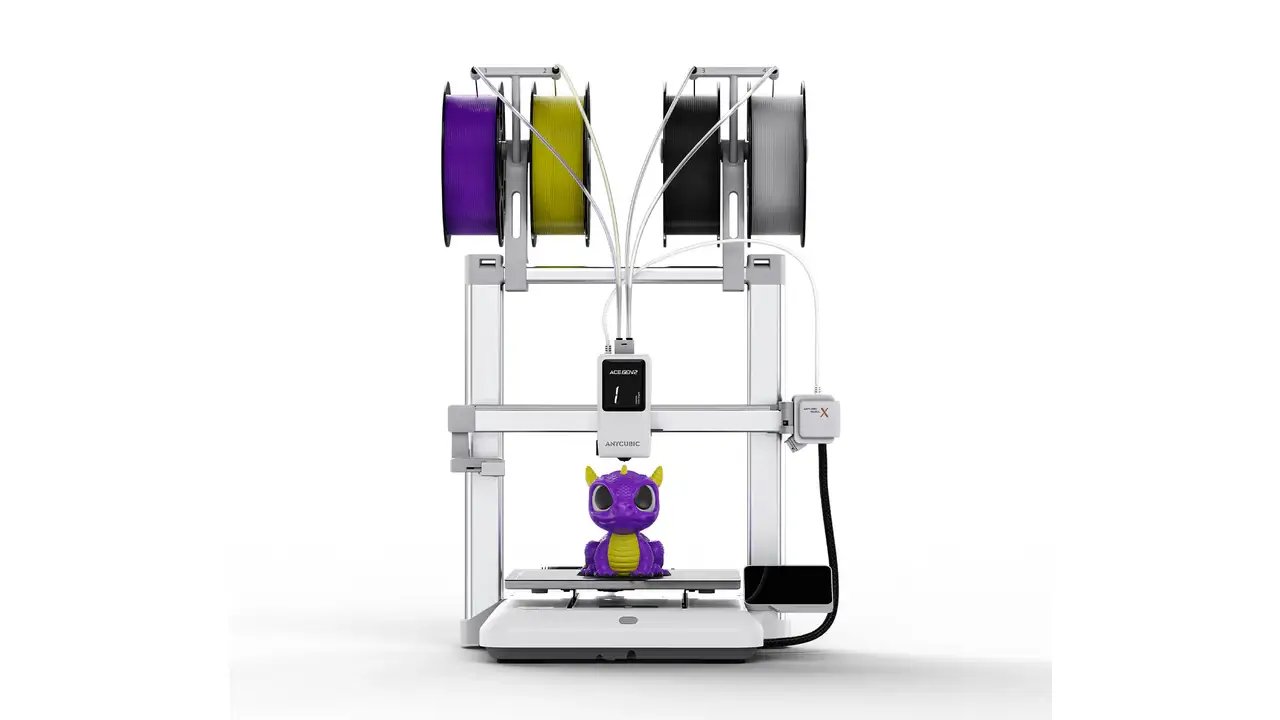
One of the most notable members of the family for multi-material printing is the Kobra S1 Combo, which received a Red Dot Design Award and ships with the ACE Pro four-color system out of the box. It has been widely praised for its sealed enclosure that helps stabilize temperatures during long print jobs, making it an excellent choice for both decorative and functional multi-material projects.


3. Anycubic FDM Printer Lineup

Beyond the Kobra series, Anycubic has built a comprehensive FDM printer lineup that spans a wide range of form factors and use cases. Understanding how these machines fit together helps you pick the right tool for the job.

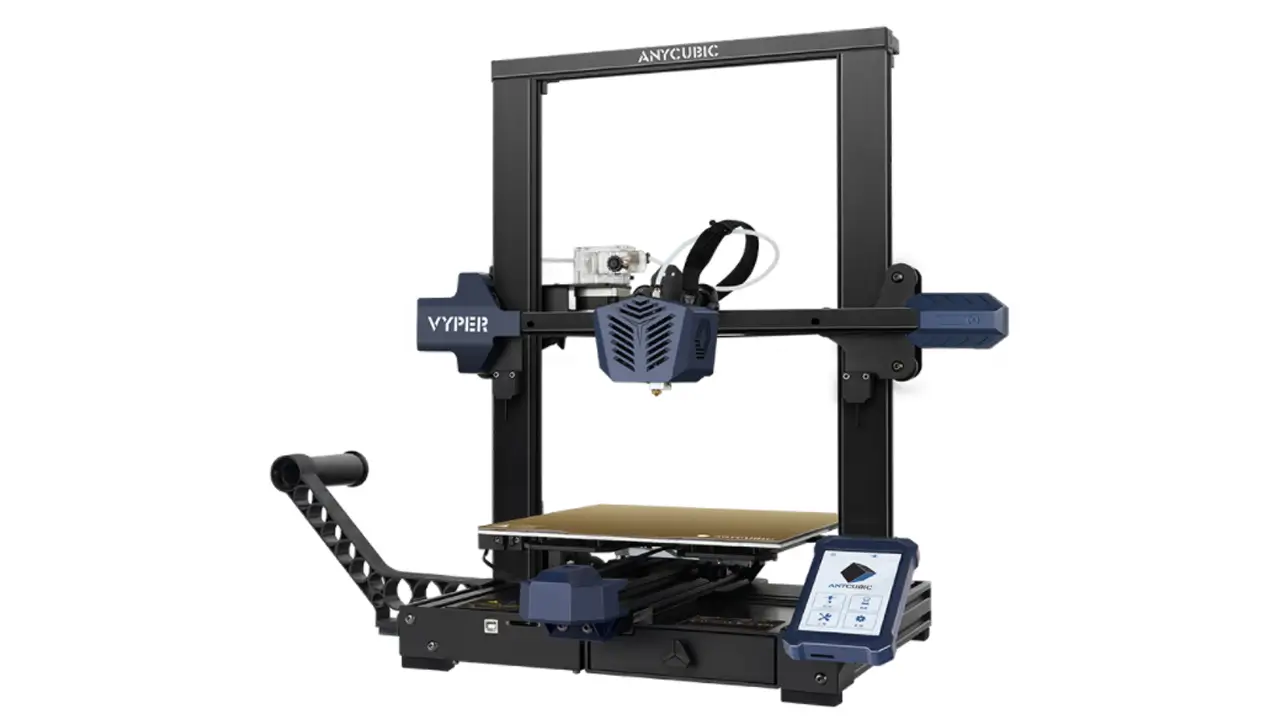
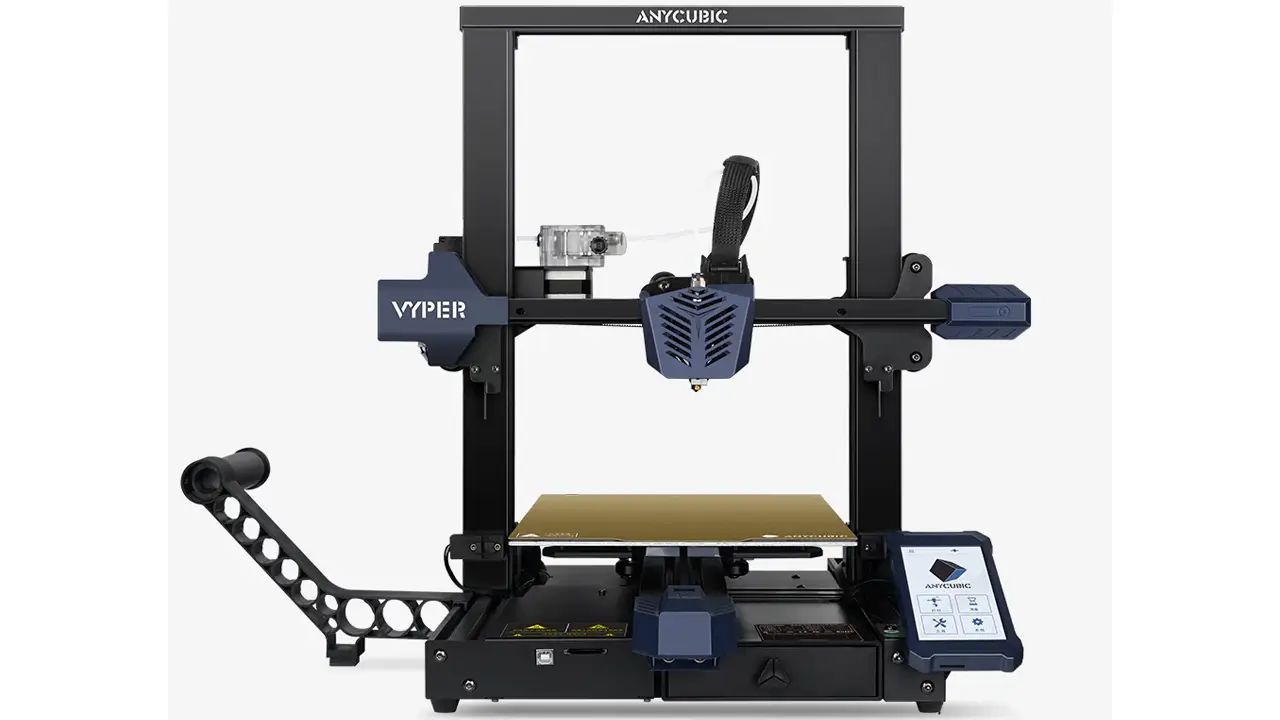
The Anycubic Vyper was one of the brand’s earlier automatic leveling FDM printers and remains a solid, well-regarded machine in the mid-range segment. It introduced many users to the convenience of strain gauge-based auto-leveling and a direct drive extruder, making it a go-to recommendation for users stepping up from purely manual setups.

The Anycubic Mega S is a refined evolution of the original i3 Mega and helped establish Anycubic’s credibility in the FDM space. It features a titanium extruder optimized for flexible filaments, dual Z-axis sensors for height alignment, a filament runout sensor, power-loss recovery, and Anycubic’s Ultrabase print bed — known for excellent adhesion across material types. The Mega S comes nearly fully assembled and requires minimal setup, making it a perennial favorite for users who prioritize ease of use.

For users who need maximum build volume without breaking the bank, Anycubic has historically offered large-format options like the Kobra Max, which serves cosplay creators, prop makers, and small business operators who regularly print oversized parts. The Kobra 3 Max has now taken this role to the next level with modern high-speed kinematics.

All of Anycubic’s current FDM printers support a broad range of filament materials, including PLA, PETG, TPU, and ABS. Select models with higher-temperature hot ends and enclosures also support PVA for soluble supports. The Kobra X, with its hardened steel nozzle rated to 350°C, extends compatibility to abrasive filaments and engineering-grade materials.


4. Anycubic Resin Printer Technology

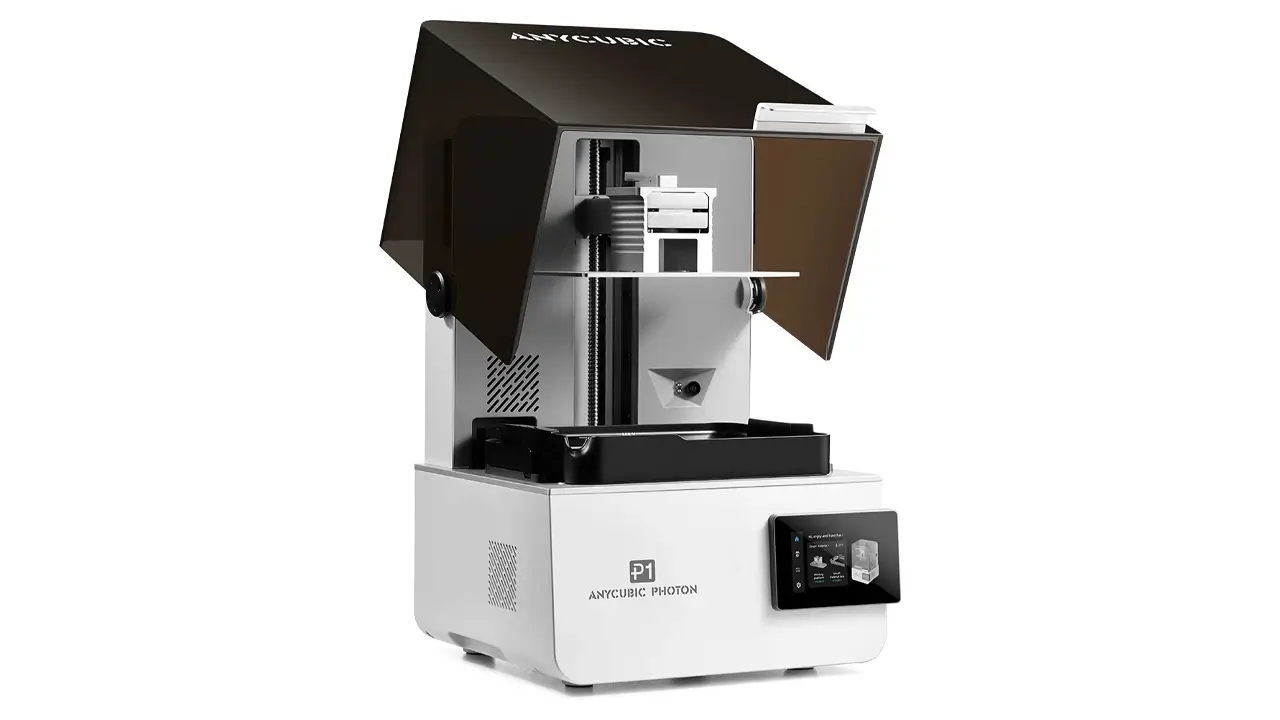
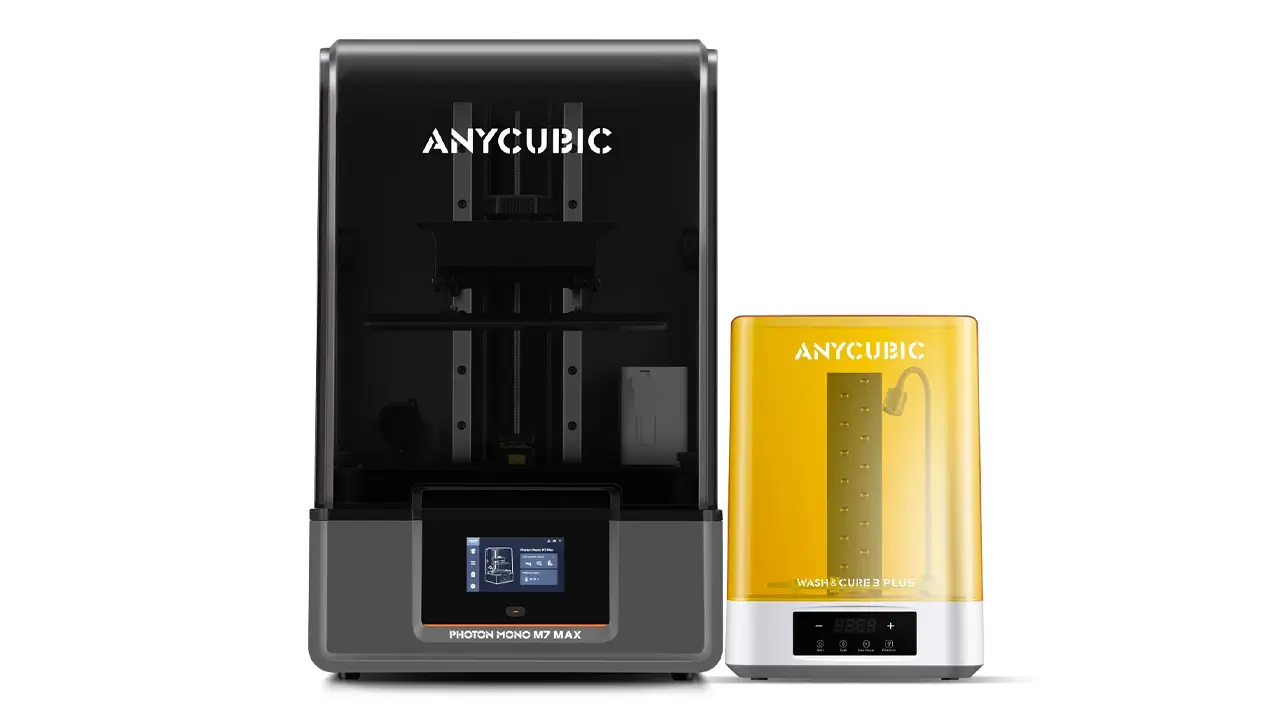
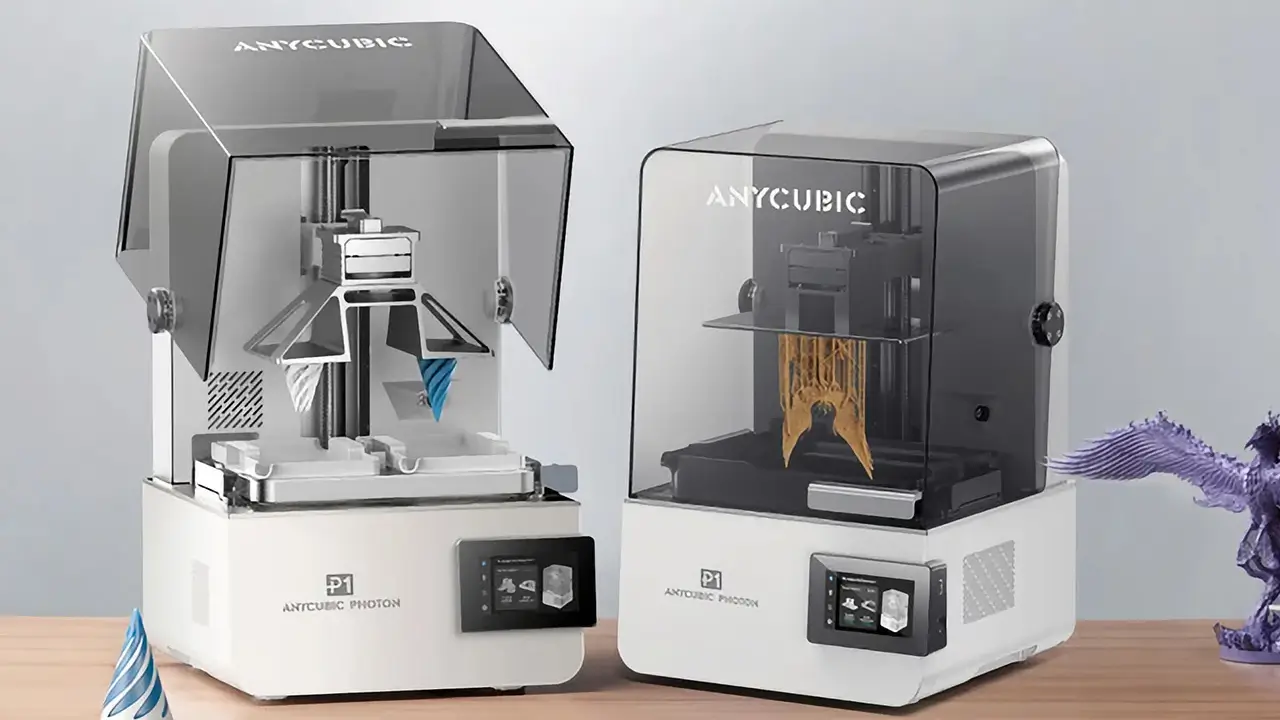
If the Kobra series defines Anycubic’s FDM identity, the Photon Mono series is the heart and soul of their resin printing lineup. Anycubic is widely recognized as a global leader in consumer MSLA (Masked Stereolithography) resin printing, and for good reason — the Photon line consistently delivers exceptional detail at competitive prices.

Resin 3D printing works by curing liquid photopolymer resin layer by layer using a UV light source projected through an LCD screen. The result is prints with dramatically smoother surface finishes and far finer detail than FDM printing can achieve. This makes resin printers ideal for miniatures, jewelry, dental applications, and high-detail display figures.

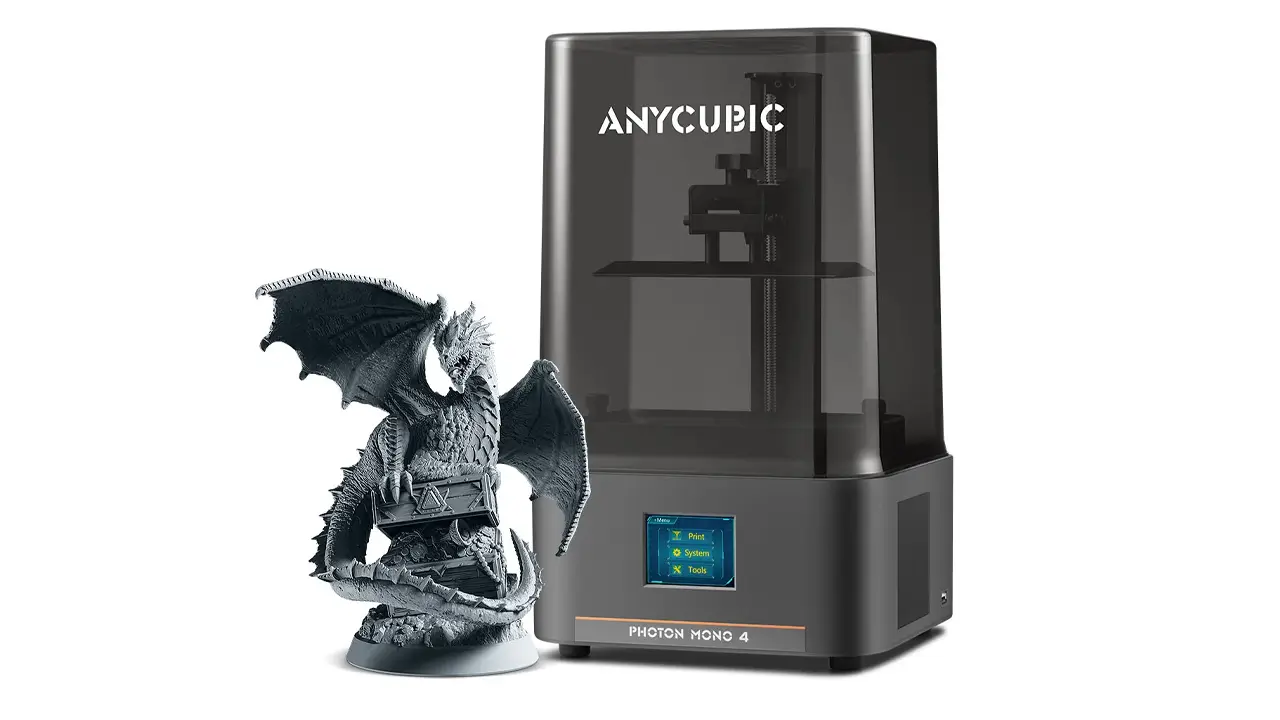
The Anycubic Photon Mono M5s raised the bar significantly when it launched. Its 10.1-inch monochrome LCD screen delivers an extraordinary 12K resolution (11,520 × 5,120 pixels), achieving an XY accuracy of just 19 microns — finer than the diameter of a human hair. It was also the first consumer-grade resin printer with a true leveling-free solution, using floating platform technology and internal mechanical sensors to automatically calibrate the print platform without any manual adjustment. Paired with Anycubic’s third-generation high-speed ACF release film, the M5s reaches an average printing speed of 105 mm/h when used with high-speed resin — roughly three times faster than comparable printers using standard FEP films. The build volume is 218 × 123 × 200 mm.

The Photon Mono M5s Pro takes things even further, pushing resolution to an impressive 14K (13,312 × 5,120 pixels) with an XY resolution of 16.8 × 24.8 μm. It adds an Air Heater & Purifier module that maintains internal temperatures above 20°C even in cold environments and filters out resin odors via activated carbon. A new AI-powered peeling height algorithm adjusts the separation process in real time to maximize success rates and print speed. It also introduces resin residue detection to prevent screen damage — a thoughtful quality-of-life improvement for users running long unattended jobs.

For users who need even larger resin prints, the Anycubic Photon M3 Max offers a build volume of 300 × 298 × 164 mm, making it one of the largest desktop resin printers on the market at around $1,149.


5. Print Quality & Performance

One of the most common questions potential buyers ask is: how does Anycubic print quality actually hold up in the real world? The short answer is — very well, especially for the price.

On the FDM side, Anycubic’s Kobra series prints produce crisp layer lines, clean edges, and minimal stringing right out of the box, even with relatively conservative default settings. The factory-calibrated profiles shipped with machines like the Kobra 2 and Kobra 3 mean that most users can achieve excellent results immediately, without spending hours dialing in settings. The direct drive extruders used across the lineup are particularly well-suited to flexible materials like TPU, where Bowden setups often struggle with retraction and consistency.

Print speed is increasingly a key differentiator, and Anycubic has invested heavily here. The Kobra 3 Max’s tested performance at 300 mm/s — the recommended practical speed — delivers excellent quality with sharp details and minimal artifacts. At 600 mm/s maximum, the printer competes with machines at significantly higher price points.

On the resin side, the detail quality achievable with the Photon Mono M5s and M5s Pro is genuinely extraordinary. The 12K–14K resolution means that even the most intricate miniature textures, gear teeth, and surface engravings render with exceptional clarity. Anycubic’s leveling-free technology also dramatically reduces failed prints caused by improper platform calibration, which historically was one of the most frustrating aspects of resin printing for beginners.

Anycubic’s build volume range is one of the widest in the consumer segment. FDM options scale from compact 220×220×250 mm printers up to the massive 420×420×500 mm build space of the Kobra 3 Max, while resin options range from the M5s’s 218×123×200 mm up to the M3 Max’s near-300 mm depth.


6. Anycubic Printer Specs Breakdown

Below is a quick-reference comparison of key Anycubic 3D printer specs across popular models. All data is sourced from Anycubic’s official product pages and press materials.
Model Type Build Volume (mm) Max Speed Resolution / Layer Auto Leveling Connectivity
Kobra 2 FDM 220×220×250 250 mm/s 0.05–0.35 mm layer LeviQ 2.0 USB / Wi-Fi
Kobra 3 Max FDM 420×420×500 600 mm/s 0.05–0.35 mm layer Yes Wi-Fi / LAN / USB / Cloud
Kobra X FDM 260×260×260 600 mm/s 0.05–0.35 mm layer Yes Wi-Fi / Cloud
Kobra S1 Combo FDM 250×250×250 600 mm/s 0.05–0.35 mm layer Yes Wi-Fi / Cloud / App
Mega S FDM 210×210×205 100 mm/s 0.05–0.3 mm layer Manual SD Card / USB
Photon Mono M5s Resin (MSLA) 218×123×200 105 mm/h 12K / 19 μm XY Leveling-Free Wi-Fi / USB / Cloud
Photon Mono M5s Pro Resin (MSLA) 218×123×200 105 mm/h 14K / 16.8 μm XY Leveling-Free Wi-Fi / USB / Cloud
Photon M3 Max Resin (MSLA) 300×298×164 LCD Yes Wi-Fi / USB

7. Software & Firmware

A printer is only as good as the software ecosystem supporting it, and Anycubic has made significant strides in this area over recent years.

For FDM printing, Anycubic now ships their latest Kobra-series machines with Anycubic Slicer Next — a slicer built on the open-source Orca Slicer engine (itself derived from Bambu Studio and PrusaSlicer). This is a mature, feature-rich tool with pre-configured material profiles for Anycubic machines, advanced print quality algorithms, vibration compensation settings, and built-in cloud integration that allows you to slice locally and send print jobs directly to your printer over the network. The interface is well-organized enough for beginners while exposing the depth of settings that advanced users need. The Kobra 3 Max and Kobra S1, for example, also remain compatible with Cura and PrusaSlicer for users who prefer those ecosystems.

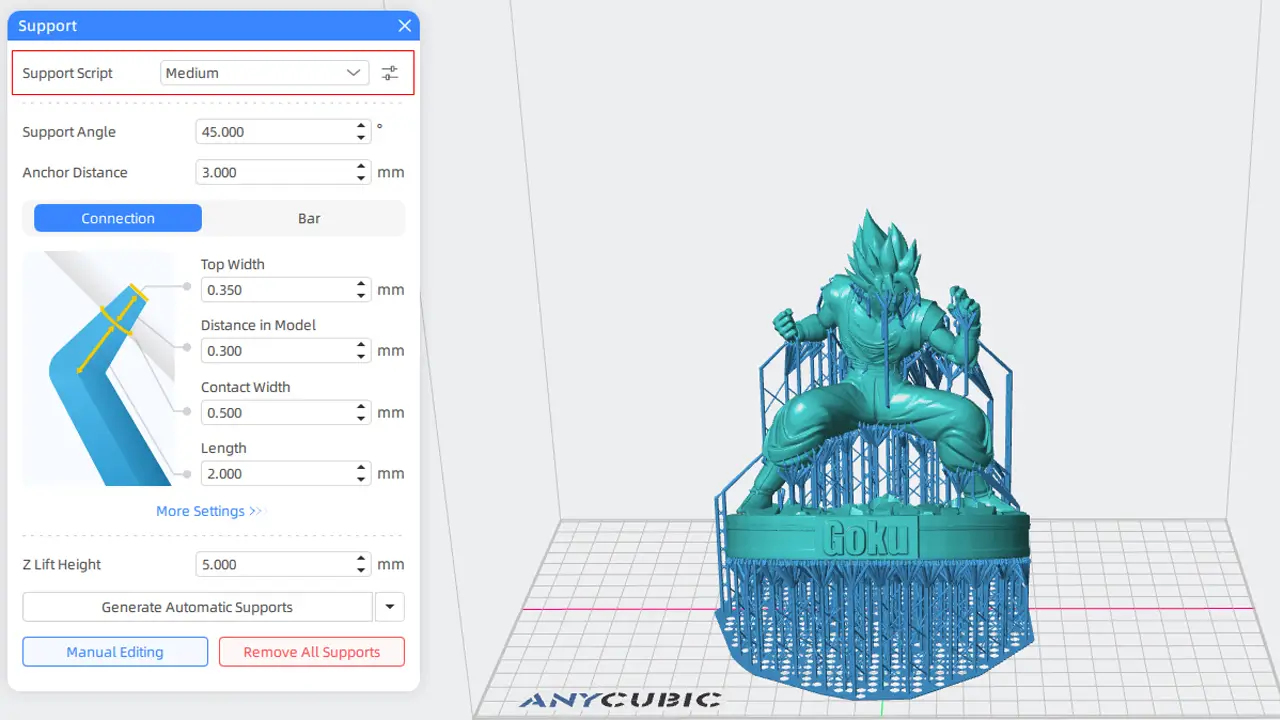
For resin printing, Anycubic uses Photon Workshop — currently at version 3.1 — as their primary slicer. It features an “Intelligent Mode” that automatically adjusts exposure parameters based on model geometry, improved support generation algorithms, and tight integration with the Anycubic app for cloud-based print management. Third-party slicers like Chitubox and Lychee Slicer 5.2.2 are also compatible with current Photon Mono models, giving users flexibility in workflow.

The Anycubic App serves as the central hub for remote monitoring and control across both FDM and resin product lines. It allows users to start, pause, and monitor prints, browse a catalog of pre-sliced models, and receive notifications on print status — all from a smartphone. Wi-Fi connectivity is now standard on virtually all current Anycubic FDM models, and the cloud integration allows print queues to be managed remotely.

Regarding firmware updates: Anycubic regularly releases firmware updates for their machines via their official website and the Anycubic app. Recent Kobra-series updates have focused on improving auto-leveling accuracy, adding new material presets, and refining speed-to-quality calibration algorithms. The Kobra OS firmware used in the latest generation provides an intuitive touchscreen interface with real-time print monitoring, temperature adjustment on the fly, and clear status displays.


8. Price Analysis & Market Position

One of the most compelling aspects of Anycubic’s lineup is how aggressively it is priced relative to its feature set. In a market that has seen consistent downward pressure on prices thanks to competition between Chinese manufacturers, Anycubic consistently positions itself as the value leader — particularly in the resin segment.

Here’s a general overview of where Anycubic 3D printer prices fall as of early 2026:

Model Category Approx. Price (USD) Best For
Kobra 2 FDM – Entry ~$169–$199 Beginners, students
Kobra X FDM – Mid / Multi-Color $259–$399 Multi-color enthusiasts
Kobra S1 Combo FDM – Enclosed Multi ~$429 Multi-material, professional use
Kobra 3 Max FDM – Large Format ~$499–$599 Cosplay, large props, small business
Photon Mono M5s Resin – Mid ~$299–$519 Miniatures, jewelry, detailed models
Photon Mono M5s Pro Resin – High-End ~$599+ Professional detail, dentistry, art
Photon M3 Max Resin – Large Format ~$1,149 Large resin prints, industrial use

Anycubic’s pricing strategy is clearly intentional. The company targets the sweet spot where hobbyists, educators, and small business operators can justify a purchase without the steep upfront investment required by brands like Bambu Lab or Formlabs. At the same time, their feature sets have advanced to the point where budget no longer means compromise on the fundamentals — auto-leveling, touchscreen interfaces, and connectivity are now standard across almost the entire lineup.


9. Anycubic vs Creality – Comparison

No overview of Anycubic 3D printers in 2026 would be complete without addressing the most common comparison people make: Anycubic vs Creality. Both brands were founded in China around the same time (2014–2015), both dominate the consumer 3D printing segment, and both offer compelling value. But they serve somewhat different philosophies and user profiles.

Creality built its reputation on the Ender series — particularly the Ender 3, which became the archetypal budget FDM printer. Creality’s strength lies in its massive global community, open-source firmware, extensive modding ecosystem, and a product catalog that spans everything from palm-sized printers to large-format industrial machines. For users who love to tinker, upgrade hardware, and dive deep into firmware customization, Creality has historically been the go-to choice. Their newer models — like the K1 Max — reach 600 mm/s speeds with lightweight printheads and vibration compensation, placing them in direct competition with Anycubic’s latest Kobra models.

Anycubic, by contrast, has consistently prioritized a polished, plug-and-play experience. Most Anycubic machines ship approximately 90% pre-assembled, with factory-calibrated slicer profiles and auto-leveling systems that genuinely work reliably out of the box. Their touchscreen interfaces tend to be more intuitive, and their manuals are generally regarded as more beginner-friendly. Where Anycubic clearly leads is in the resin printing segment — the Photon Mono series remains more beginner-accessible and feature-complete than Creality’s Halot line, with leveling-free technology and superior resolution options.

Feature Anycubic Creality
Setup Ease ✅ Excellent – 90% pre-assembled, auto-leveling standard ⚠️ Good on newer models; older/budget models more DIY
Out-of-Box Print Quality ✅ Slight edge – factory-calibrated profiles ✅ Good – improves significantly with tuning
Modding / Community ⚠️ Growing but smaller than Creality ✅ Massive – open-source, huge Thingiverse presence
Resin Printing ✅ Clear leader – Photon Mono up to 14K ⚠️ Halot series – solid but trails on resolution
High-Speed FDM ✅ Kobra 3 Max / Kobra X – up to 600 mm/s ✅ K1 Max – up to 600 mm/s
Multi-Color Printing ✅ Kobra X, Kobra S1 Combo, Kobra 3 Combo ✅ Hi Combo – slightly larger build volume
Slicer Software ✅ Anycubic Slicer Next (Orca-based) / Photon Workshop ✅ Creality Print / open-source compatible
Price Range $169 to $1,149+ $150 to $800+

The takeaway from this comparison is clear: if you prioritize ease of use, resin printing excellence, or multi-color FDM without a steep learning curve, Anycubic is the stronger choice. If you want maximum modding freedom, a larger support community, and an open-source ecosystem, Creality offers more in those areas. Many serious makers own machines from both brands for exactly that reason.


10. Final Verdict: Is Anycubic Worth It in 2026?

After surveying the full picture — product lineup, print quality, specs, pricing, software, and competitive positioning — the conclusion is clear: Anycubic 3D printers in 2026 represent some of the best value available in the consumer 3D printing market, and in certain categories, they genuinely lead the industry.

For beginners and first-time buyers, the Kobra 2 and Kobra 3 series offer a welcoming, low-frustration entry into FDM printing. Auto-leveling, solid build quality, pre-configured slicer profiles, and responsive app integration remove most of the traditional barriers to getting started. These aren’t stripped-down beginner toys — they’re legitimate capable machines that beginners can grow into.

For resin printing enthusiasts, the Photon Mono M5s and M5s Pro are difficult to beat at their price points. The combination of 12K–14K resolution, leveling-free technology, 105 mm/h speed, and cloud connectivity represents the state of the art in consumer resin printing. Whether you’re printing tabletop miniatures, jewelry masters, or dental models, the Photon Mono series delivers professional results at a fraction of the cost of professional-grade machines.

For ambitious makers and small businesses, the Kobra 3 Max and Kobra S1 Combo are standout options. The Kobra 3 Max’s 88-liter build volume, 600 mm/s speeds, and comprehensive connectivity make it genuinely competitive with machines costing significantly more. The Kobra S1 Combo’s Red Dot Award-winning design and built-in four-color ACE Pro system make multi-material printing more accessible than ever.

Looking ahead, the Kobra X’s debut in early 2026 — with its 19-color expandability, 81.25% reduction in purge waste, AI-assisted monitoring, and aggressive early bird pricing — signals that Anycubic is not slowing down in its drive to democratize high-capability 3D printing.

Whether you’re picking up your first 3D printer or adding a specialist machine to a growing workshop, the best Anycubic 3D printer for 2026 is whichever one fits your specific use case — because across the lineup, Anycubic has built a compelling answer for nearly every one of them.


All specifications referenced in this article are based on data from Anycubic’s official website, official press releases, and verified third-party review sources as of February 2026. Always check the current Anycubic store (anycubic.com) for the most up-to-date pricing and availability.

The Honor MagicBook Pro 16 (2026) is shaping up to be a true performance monster for creators. With Intel Core Ultra or AMD Ryzen options, NVIDIA GeForce RTX 5070 Laptop graphics, and a stunning 16-inch 3K high-refresh display, this machine is built for speed, power, and precision.

Add 260W power delivery, spatial audio, and AI optimization, and you get a laptop that feels more like a high-performance muscle car than a traditional notebook. Editing, rendering, gaming, multitasking — it handles everything with confidence.

The model has already passed 3C certification, and the official launch is expected after Chinese New Year 2026.

Read the full review here:
https://bestchinagadget.com/honor-magicbook-pro-16-2026-review/

Anycubic 3D printersAnycubic 3D printersAnycubic 3D printersAnycubic 3D printersAnycubic 3D printersAnycubic 3D printersAnycubic 3D printersAnycubic 3D printersAnycubic 3D printersAnycubic 3D printersAnycubic 3D printersAnycubic 3D printersAnycubic 3D printersAnycubic 3D printersAnycubic 3D printersAnycubic 3D printersAnycubic 3D printersAnycubic 3D printersAnycubic 3D printers

Scroll to Top